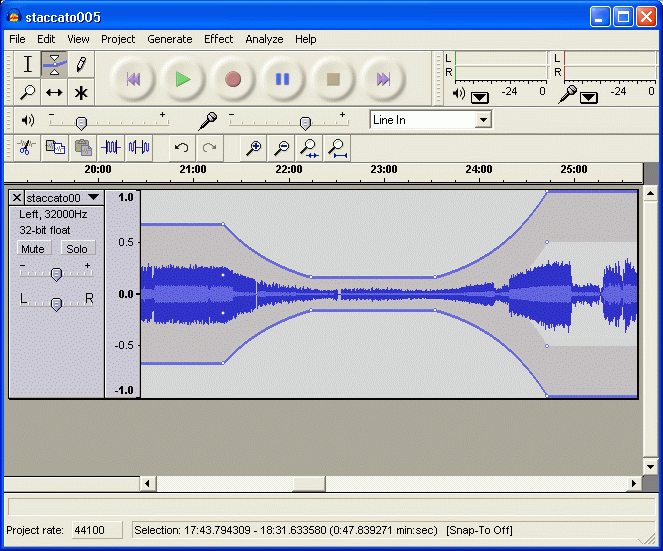
Audacity
Cross-platform open-source audio editor and recorder for multi-track recording, editing and effects processing.
Linux is the natural home of free and open source software. After more than a decade testing across Ubuntu, Fedora, Debian, and Arch, I've found the FOSS depth here is unmatched — though commercial freemium and trial coverage runs thinner than on Windows. Every program below has been installed on at least two distributions, tested under real workloads, and documented for packaging format and Wayland compatibility.
Cross-platform open-source audio editor and recorder for multi-track recording, editing and effects processing.
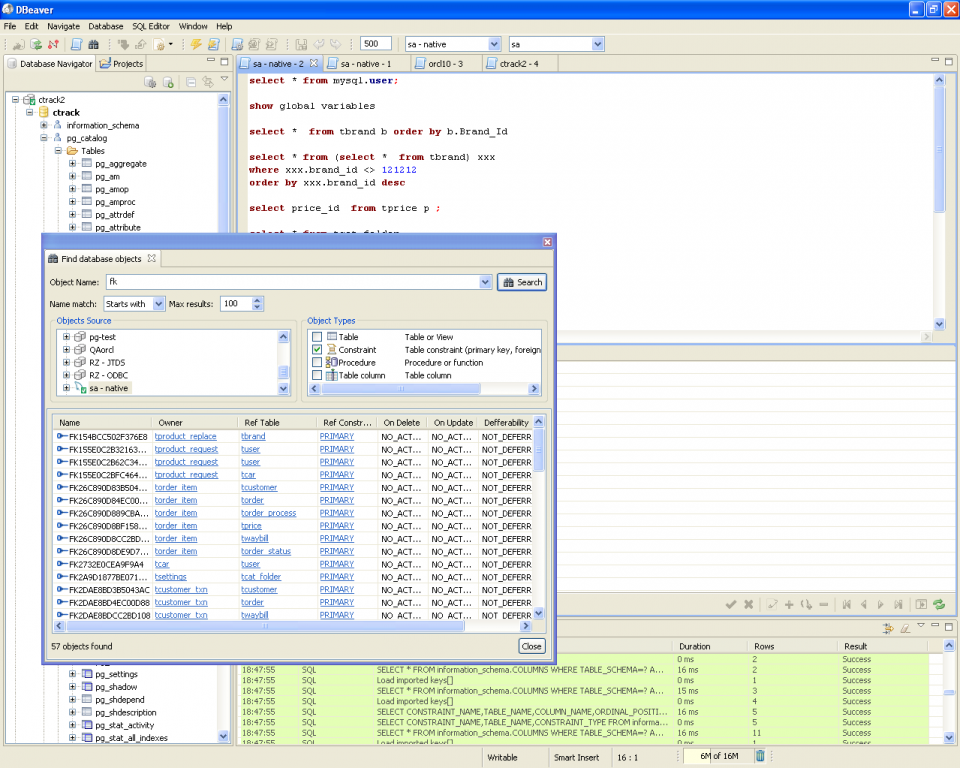
Universal database management tool supporting MySQL, PostgreSQL, Oracle, SQLite and dozens of other database systems.
Voice and text communication platform designed specifically for gamers during online multiplayer sessions.
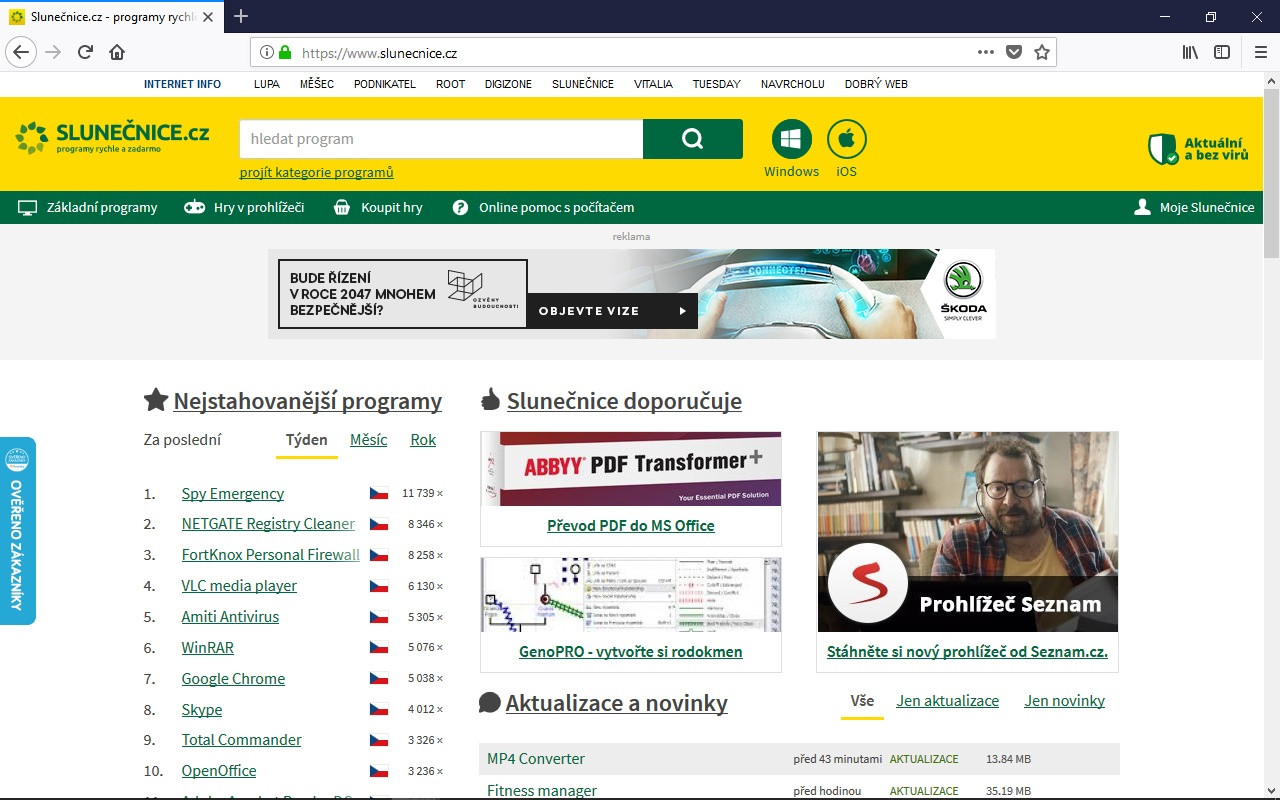
Mozilla's Firefox 135.0.1 download delivers enhanced privacy protection with improved tracking blocking and simplified tab management.
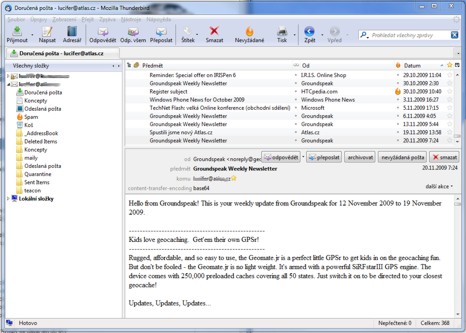
Open-source email client supporting IMAP, SMTP, POP3 protocols with tabbed interface and advanced filtering capabilities.
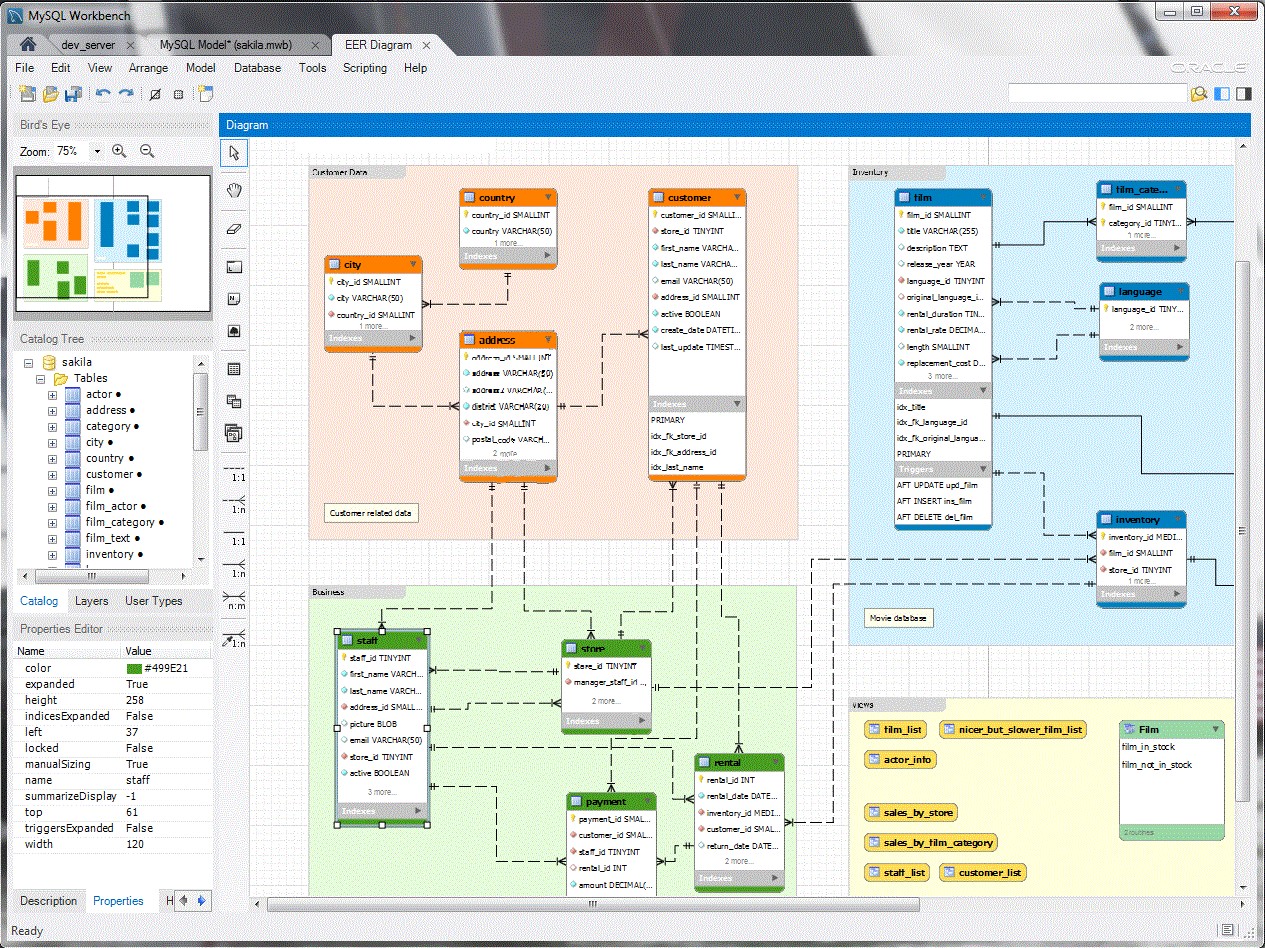
Visual database design tool for creating, modeling, and administering MySQL databases with ER diagram generation capabilities.
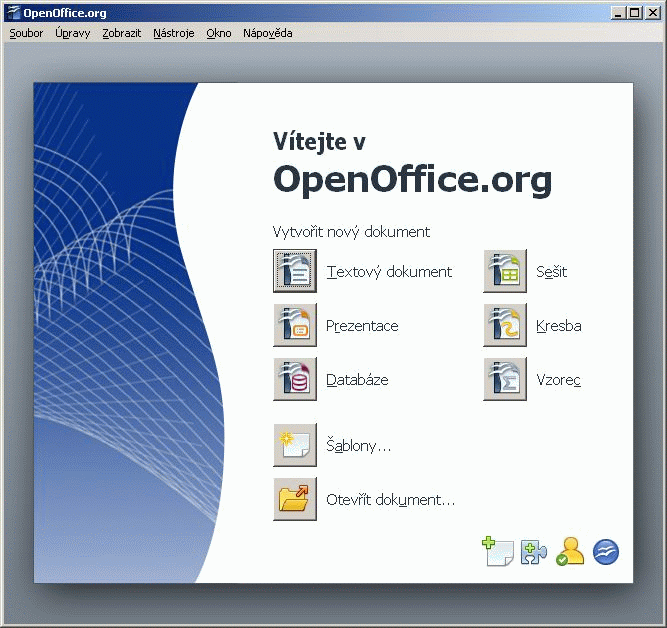
Complete office suite featuring word processor, spreadsheet calculator, presentation maker and database tools for document creation.
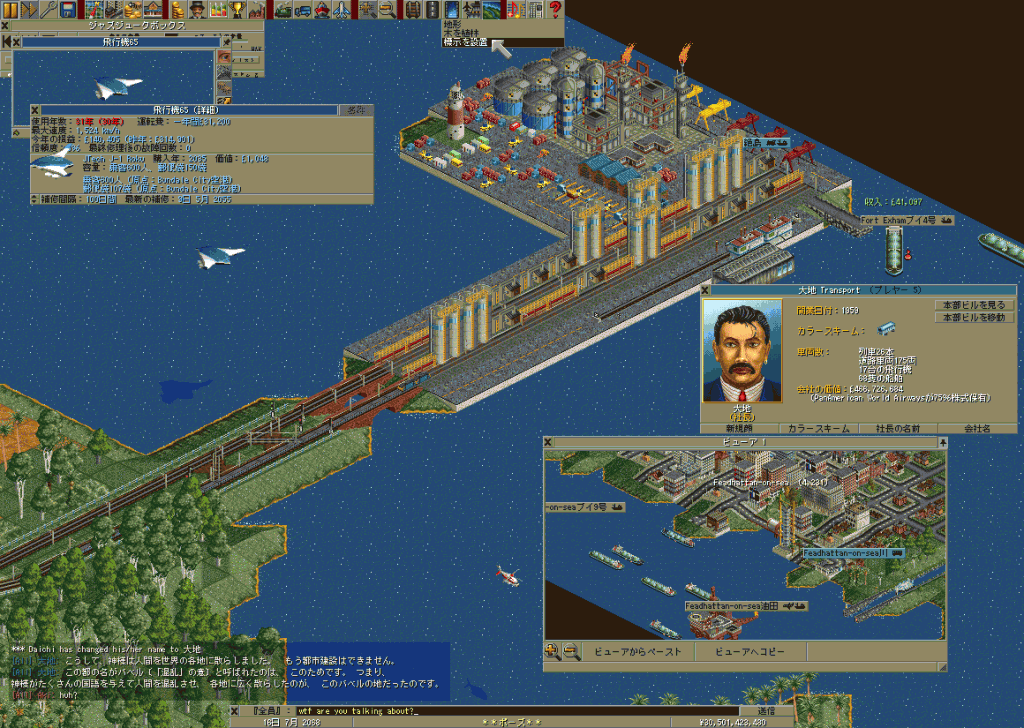
Open-source transport simulation game recreating Transport Tycoon Deluxe with modern multiplayer support and enhanced graphics.
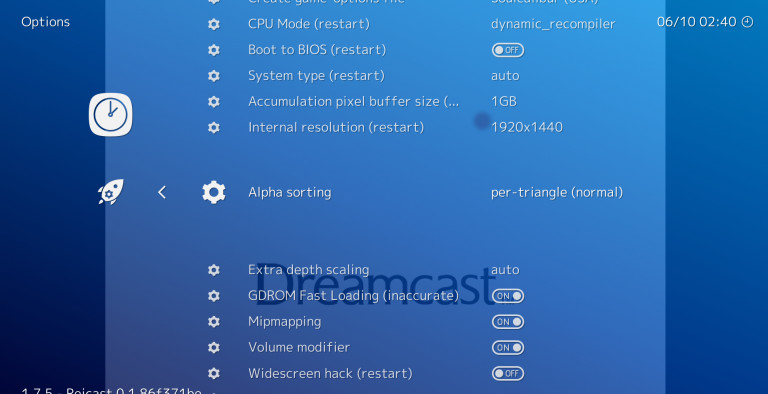
Multi-platform frontend for retro gaming emulators that runs classic console and arcade games through unified interface.
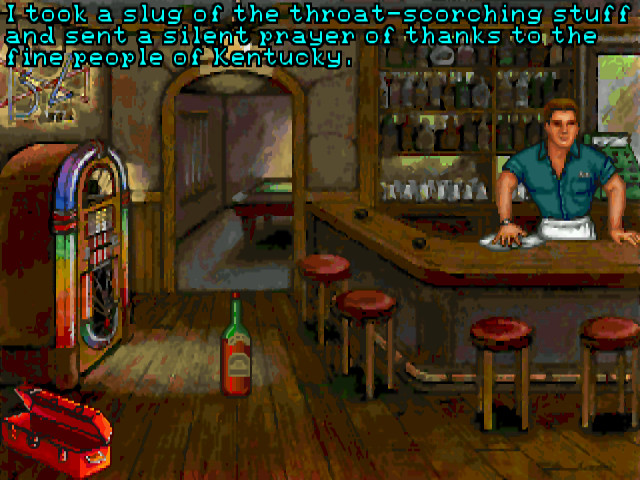
Classic adventure game emulator supporting 250+ titles from LucasArts, Sierra, Revolution Software and other studios.
Cross-platform open-source media player supporting hundreds of audio and video formats with streaming capabilities.
Cross-platform secure messaging client with end-to-end encryption for groups, channels, and file sharing.
Of the catalogue I've maintained since 2013, somewhere north of seventy percent of the genuinely open source programs were either born on Linux or ship a Linux build before anything else. That's not branding — it's the operational reality of how free Linux software gets written. Most of the developer tooling, server utilities, and command-line plumbing I cover started life on a Debian or Fedora workstation, with Windows and macOS ports following months later. When I test a new release of Krita or Inkscape, the Linux AppImage usually lands first.
The flip side is that commercial vendors treat Linux as a tertiary platform. Freemium and trial coverage on this page is genuinely thinner than on the Windows listings, because companies like Foxit, Wondershare, or the larger creative-suite outfits often skip Linux builds entirely. What you gain in FOSS depth, you lose in proprietary breadth — and that trade-off is worth understanding before you switch.
Choosing the right package format matters more on Linux than on any other OS. Here's the short version from years of testing across Ubuntu LTS, Fedora, and Arch on a secondary box:
AppImage is a single executable that runs on almost any distribution without installation — handy for testing Kdenlive nightlies or running Bitwarden on a locked-down workstation. Flatpak, distributed mainly through Flathub, sandboxes applications and handles updates cleanly; it's my default for GUI software like OBS Studio, Discord, and OnlyOffice. Snap is Canonical's equivalent, mandatory on stock Ubuntu for certain packages, though startup times remain slower than Flatpak in my benchmarks. .deb and .rpm packages remain the right choice for system-level tools — htop, btop, GParted, ClamAV — where you want native integration with your init system.
After a clean Fedora or Kubuntu install, my baseline takes about twenty minutes. Firefox is already there, so I add LibreWolf for hardened browsing, qBittorrent for torrents, and Thunderbird for mail. For office work it's LibreOffice if I need .docx fidelity, OnlyOffice when collaborating with people on Microsoft 365, and Obsidian or Joplin for notes — both have proper Linux builds, not just Electron wrappers shoved through Wine.
GNOME Disk Utility ships with most GNOME-based distributions and handles SMART checks, partition imaging, and benchmark runs without dropping to the terminal. GParted remains the partition editor I reach for when resizing or repairing filesystems. For live monitoring I run btop — the successor to bashtop and a clear upgrade over plain htop — and BleachBit for cache cleanup. Stacer offers a GUI front-end for service management if you don't enjoy systemctl. See the full system and security category for the rest.
Linux's reputation for security is partly cultural and partly architectural. SELinux on Fedora and AppArmor on Ubuntu provide mandatory access control that Windows still lacks at this level. On top of that I run ClamAV for occasional file scans (mainly when receiving Windows attachments), Lynis for auditing hardening, and rkhunter for rootkit checks. KeePassXC is my password vault of choice — fully offline, no subscription — and the Tor Browser remains the simplest way to compartmentalise sensitive browsing.
This is where Linux actually beats Windows in several categories. GIMP, Krita, and Inkscape are first-class citizens here, often released for Linux before their Windows counterparts. Blender's reference platform is Linux, full stop. For video, Kdenlive is my main NLE for cuts under twenty minutes; OBS Studio handles recording and streaming with PipeWire integration that finally works properly in 2025. VLC and mpv cover playback, Audacity handles audio editing, and the whole stack costs nothing. The multimedia catalogue has individual writeups for each.
I won't pretend otherwise: there are gaps. Adobe's creative suite has no Linux build and never will. Affinity refused to port despite years of community petitions. Microsoft 365 desktop apps don't exist for Linux — you get the web version or nothing. Certain games still won't run even with Proton (anti-cheat is the usual culprit). Nvidia GPU drivers, while greatly improved, can still bite you during kernel updates on Wayland. If your workflow depends on a specific Windows-only tool, check compatibility before committing.
If you write code, Linux removes friction. Docker runs natively without a hypervisor abstraction. Git was written here. VS Code, JetBrains community editions, Neovim, DBeaver, Postman, and Sublime Merge all ship official Linux builds. The terminal experience — combined with package managers like apt, dnf, and pacman — makes setting up reproducible dev environments straightforward in a way Windows still struggles to match. Browse the developer tools section for the full list. Our editorial methodology page explains how I bench compile times and tooling across distros.
The vast majority is genuinely free under open source licences like GPL, MIT, or Apache 2.0 — no purchase, no ads, no telemetry by default. Some projects (Bitwarden, OnlyOffice, JetBrains) offer paid tiers for teams or enterprise features, but the personal-use builds are fully functional. Donations are appreciated by maintainers but never required.
Flatpak via Flathub is my default for GUI applications — sandboxed, auto-updated, and works on every major distro. AppImage suits portable or bleeding-edge releases you want to test without installing. Snap is mandatory for some packages on Ubuntu but generally slower to start. For system-level utilities, stick with your distro's native package manager (apt, dnf, pacman) rather than universal formats.
Ubuntu LTS or Linux Mint give the broadest .deb coverage and the smoothest experience for newcomers. Fedora ships newer kernels and is excellent for developer workflows. Arch and openSUSE Tumbleweed suit users who want rolling releases. Honestly, ninety percent of the programs on this listing run identically across all five — packaging differences matter more than distro choice in 2025.
Wine and Bottles handle many Windows applications, and Proton (a Valve fork of Wine) runs a surprising number of games via Steam. That said, complex software like Adobe Creative Cloud or anti-cheat-protected multiplayer games often fail. Check ProtonDB and the WineHQ AppDB before relying on compatibility for anything mission-critical. For productivity, the native macOS or Windows versions remain more reliable.
Architecturally, yes — mandatory access control (SELinux, AppArmor), proper user permissions, signed package repositories, and a smaller malware target combine well. But "more secure" depends on user behaviour. Installing random scripts from forums, running curl-pipe-bash from untrusted sources, or disabling SELinux defeats those advantages. Pair Linux with KeePassXC and a hardened browser like LibreWolf and you're in a strong position.
Each program is installed on at least two distributions (typically Fedora and Ubuntu LTS), tested for a minimum of two hours under real workloads, and checked against current upstream releases. We document packaging availability, Wayland compatibility, and known issues. Full details on how we rate software and our editorial methodology.
Most modern GUI applications now support Wayland directly or run via XWayland with no visible difference. OBS Studio gained proper Wayland screen capture through PipeWire, GIMP 3.0 supports it natively, and KDE Plasma 6 defaults to Wayland sessions. A few legacy tools still need X11 — check the individual program page in the communication or office sections for compatibility notes.