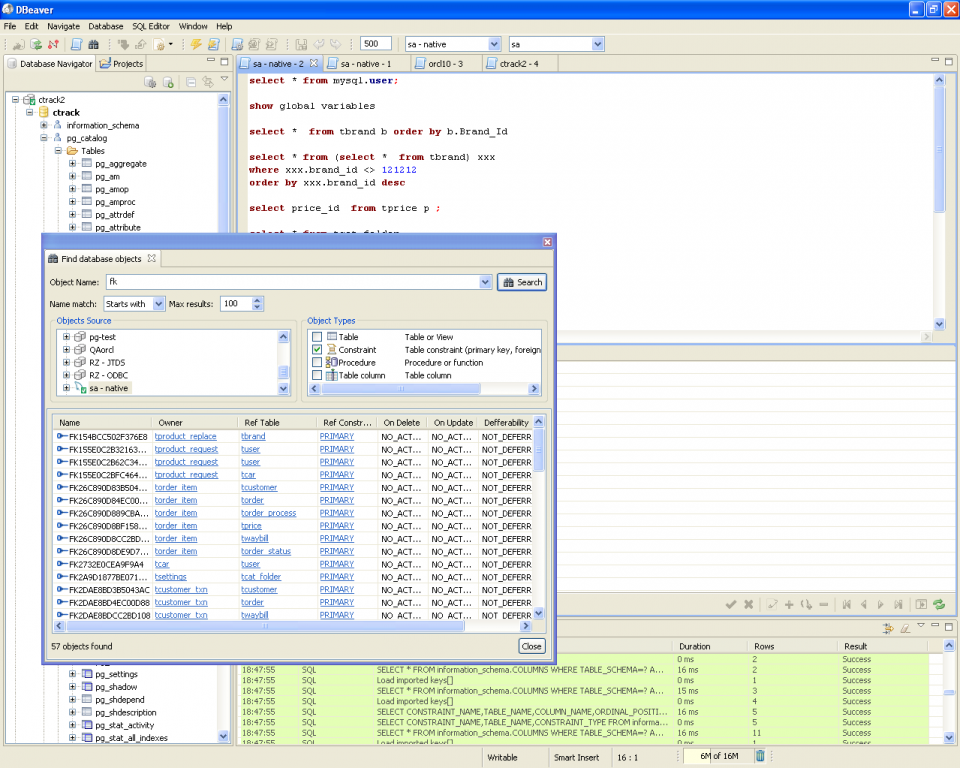
DBeaver
Universal database management tool supporting MySQL, PostgreSQL, Oracle, SQLite and dozens of other database systems.
Developer tools are the category where free and open source software has most thoroughly closed the gap with commercial alternatives. Whether you need a code editor that handles every language you work in, a Git GUI for visual reviewing, a database client that connects to PostgreSQL and MongoDB, a terminal emulator with split panes, or a REST API testing tool — the BigForkSteering developer catalogue lists the tools professionals actually install on a new machine. Every download links straight to the developer's official source.
Universal database management tool supporting MySQL, PostgreSQL, Oracle, SQLite and dozens of other database systems.
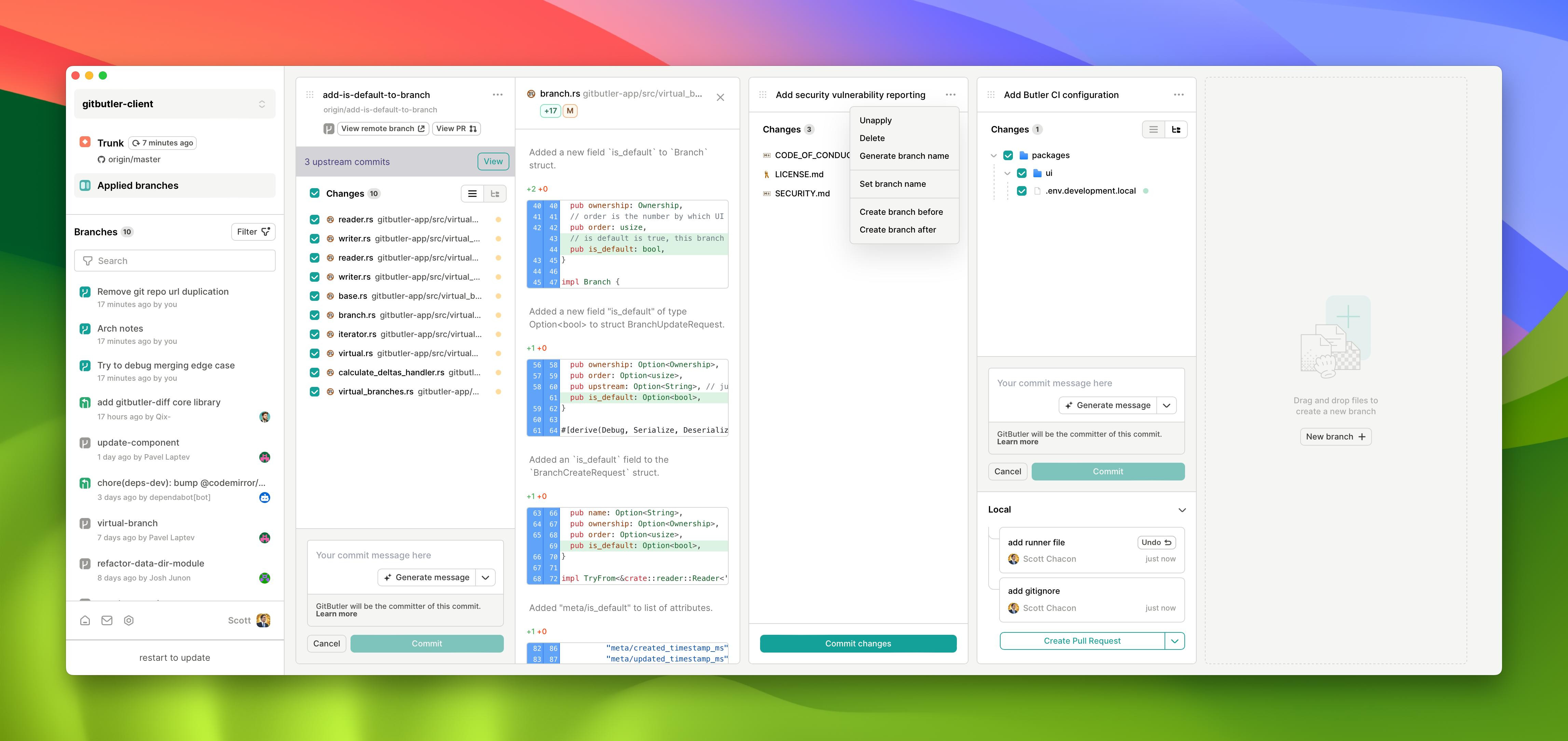
Visual Git client with virtual branch support for managing multiple concurrent development workflows on Windows systems.
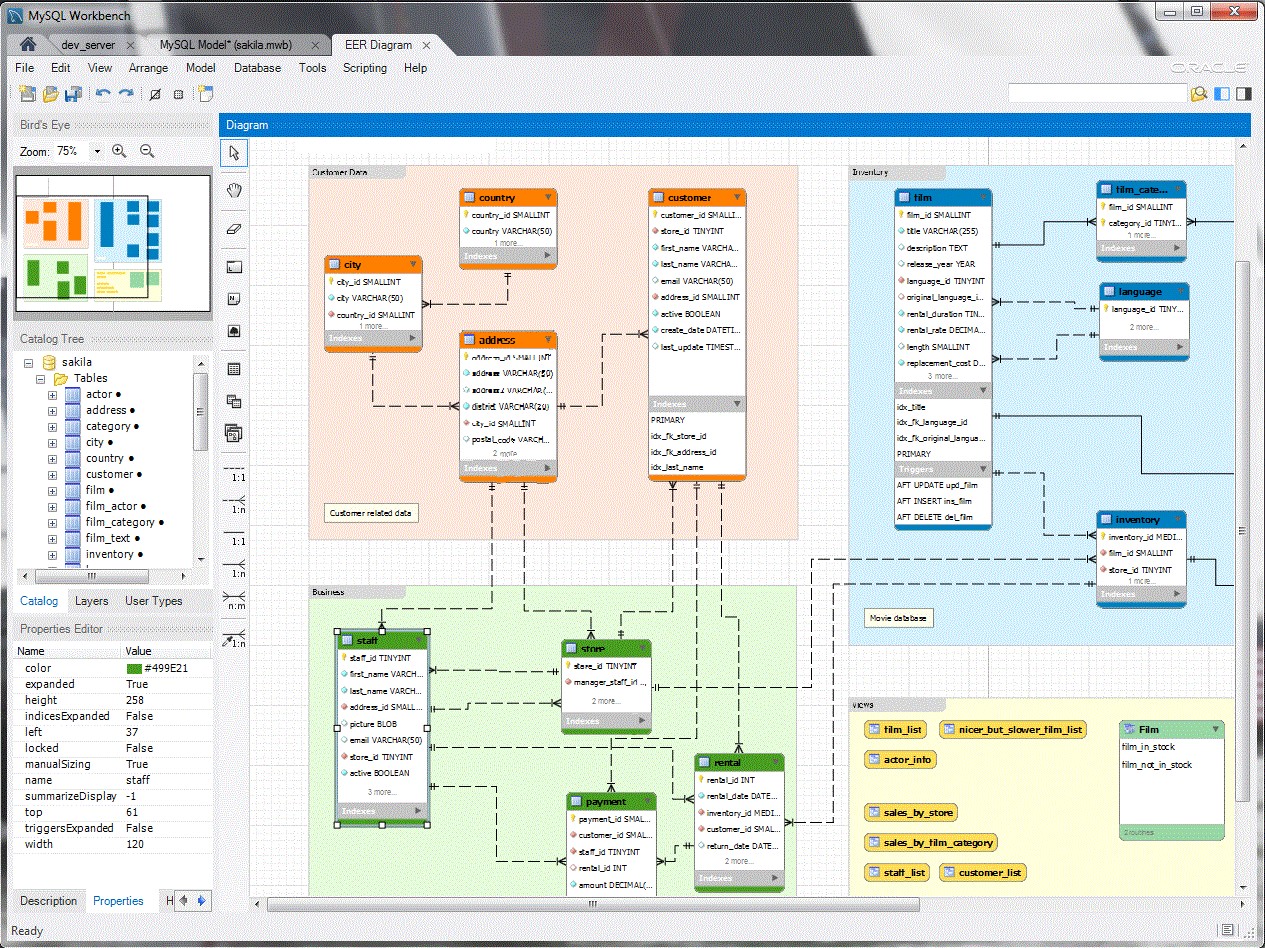
Visual database design tool for creating, modeling, and administering MySQL databases with ER diagram generation capabilities.
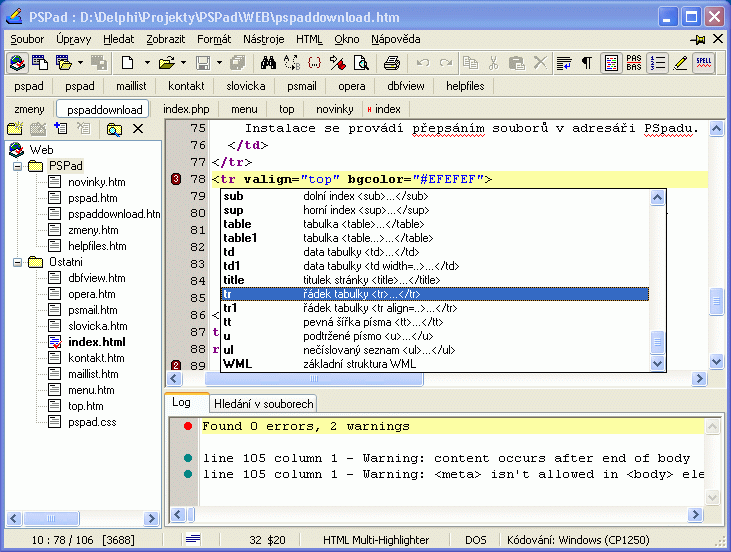
Lightweight portable code editor with syntax highlighting for 30+ languages including PHP, HTML, XML, Java, JavaScript and Python.
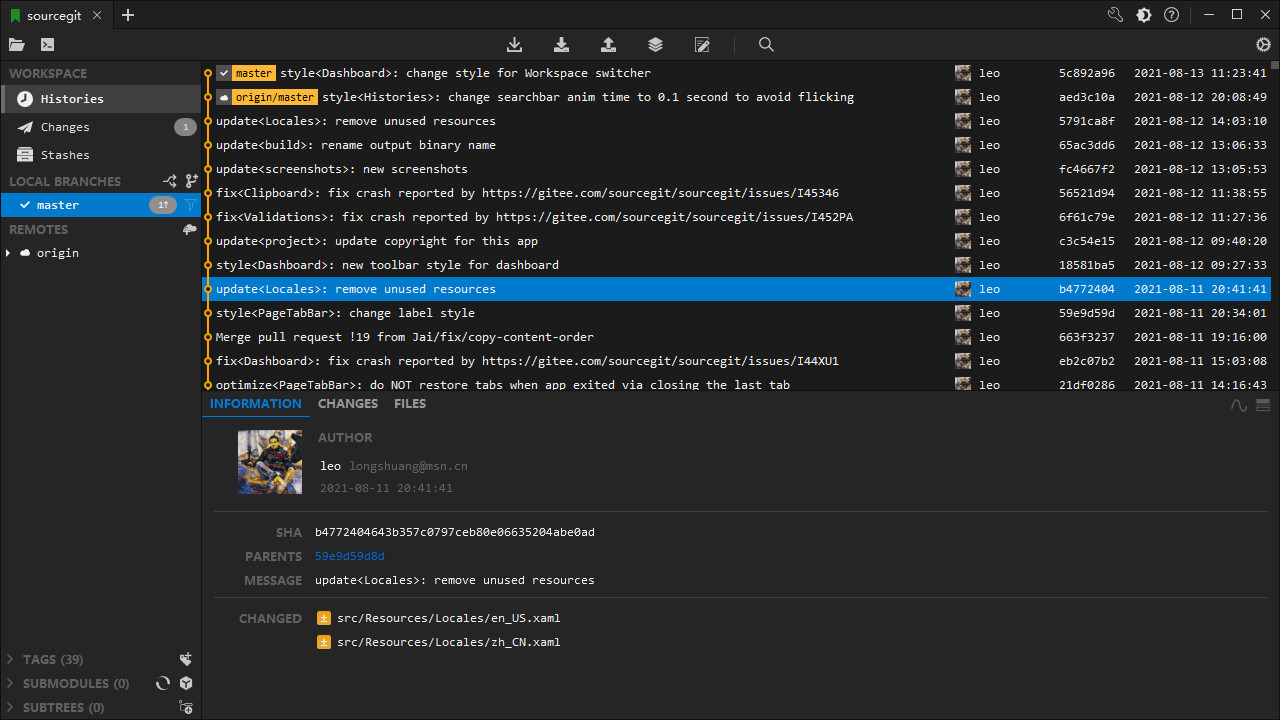
Cross-platform Git client featuring visual commit graphs, branch management, and integrated SSH support for repository workflows.
Developer tools are the one software category where the free and open source ecosystem does not merely offer adequate alternatives to paid products — it dominates them. The engineers who build developer tools are also the engineers who use developer tools daily. This feedback loop produces unusually high quality: rough edges are noticed immediately, performance regressions are caught quickly, and features that matter to working developers get implemented and polished through direct use rather than user research proxies. The result is a catalogue where the majority of the best tools in each sub-category are free, open source, or offer a genuinely capable free tier.
The BigForkSteering developer tools catalogue spans eight disciplines: code editors and IDEs, version control and Git clients, database management and query tools, terminal emulators and shell environments, API testing and REST clients, web development and local server tools, debugging and profiling utilities, and container and virtualisation tooling. Every listing is reviewed on a current development machine before appearing in the catalogue — developer tools are tested by actually using them to write code, not by reading documentation. Download links point exclusively to the official release page or repository. See the editorial methodology for the full review criteria.
The boundary between a code editor and an integrated development environment has become less meaningful than it was a decade ago. The key architectural development that changed the landscape is the Language Server Protocol (LSP) — an open standard that defines a JSON-RPC communication channel between a code editor and a language intelligence server. Any LSP-compatible editor can consume code completion, go-to-definition, find-all-references, inline diagnostics, hover documentation and rename-symbol operations from a language server written for any programming language, without the editor needing language-specific logic. A free code editor that supports LSP and is installed with the appropriate language servers achieves feature parity with a dedicated IDE for that language stack.
Modern free code editors are architected around extensibility. A core engine handles file I/O, text rendering, keybinding dispatch and the extension API; all language support, debugger integration, version control UI, terminal embedding, formatter plugins and theme packages are loaded as extensions. This means the editor's footprint when launched cold is modest, and features load on demand when you open a relevant file type. Extensions are typically distributed through a marketplace and installed with a single command or UI interaction. The quality and coverage of the extension ecosystem varies significantly between editors — evaluating extension availability for your specific language and workflow stack is an important part of choosing a code editor.
A significant subset of developers use editors built around modal editing — a paradigm where the editor operates in distinct modes (normal mode for navigation and operations, insert mode for text entry, visual mode for selections) rather than the insert-always model of conventional editors. Modal editing requires a learning investment measured in weeks before it becomes productive, but experienced modal editor users achieve text manipulation speeds that are genuinely difficult to match with mouse-and-cursor workflows. Free modal editors with strong LSP and plugin support are available for all three platforms and are actively developed, with communities that produce extensive configuration frameworks and plugin collections. The choice between modal and conventional editing is a matter of personal workflow preference — both paradigms have capable, free, actively maintained options in the catalogue.
Full IDEs distinguish themselves from extensible code editors primarily in their depth of language-specific integration. A Java IDE that ships with a built-in refactoring engine understands Java's type system and can safely rename a class across all its usages, update import statements, and adjust references in configuration files — operations that a generic LSP rename cannot always perform correctly for language-specific constructs. Similarly, IDEs with built-in build system integration (Gradle, Maven, CMake) understand project structure in ways that require manual configuration in a general-purpose editor. Free IDE tiers from major vendors provide full-featured development environments for specific language ecosystems — Java, Python, web development — that represent serious professional tools, not feature-limited introductory versions.
Git is the dominant version control system for software development across every platform and language ecosystem. Free Git GUI clients provide a graphical interface over the underlying git command-line tool, making core Git operations accessible without memorising command syntax — particularly useful for complex operations like interactive rebase, cherry-pick, stash management and submodule updates, which have non-obvious command invocations.
The fundamental Git operations that every GUI client exposes are: staging files and individual hunks for commit, committing with a message and optional amend, viewing the commit graph (history visualised as a directed acyclic graph showing branches, merges and tags), comparing file differences (diff), pushing to and pulling from remote repositories over HTTPS and SSH, creating and switching branches, and merging with conflict resolution. More advanced operations — interactive rebase to clean up commit history before merging a feature branch, cherry-picking individual commits from one branch to another, and bisecting a commit history to locate the commit that introduced a bug — benefit significantly from a well-designed GUI that renders the operation visually.
Pull request workflow integration is increasingly common in free Git clients: the ability to create, review and merge pull requests from within the client without switching to a web browser. This integration is specific to the hosting platform (the three major platforms have different APIs) and requires authentication with your account on that platform. Free Git clients that support multiple hosting platforms simultaneously are particularly useful for developers who work across organisations or maintain personal repositories alongside professional ones.
Database management tools provide a graphical interface for connecting to database servers, browsing schema, writing and executing queries, inspecting and editing table data, and managing database objects (tables, views, stored procedures, indexes, triggers, sequences). The most capable free database tools are universal clients — a single application connects to PostgreSQL, MySQL, MariaDB, SQLite, SQL Server, Oracle and multiple NoSQL engines through their respective wire protocols or JDBC/ODBC drivers.
SQL query editors in database tools go beyond basic execution: query history, result set filtering and sorting without re-executing the query, result export to CSV, JSON, SQL insert statements or spreadsheet formats, explain plan visualisation for query optimisation, and syntax highlighting and autocomplete against the connected database's schema. For database schema work, ER diagram generation from an existing schema allows visual understanding of relationships between tables in a complex database — essential when working on an unfamiliar codebase or legacy system.
SSH tunnelling is a practical requirement for any database tool used in professional development: production and staging databases are almost never exposed on public network ports and are accessed through an SSH tunnel to a bastion host. Free database tools that handle SSH tunnelling natively — including jump hosts (SSH through an intermediate server to reach the database host) — eliminate the need to set up manual port forwarding with a separate SSH client. NoSQL database support extends coverage to MongoDB (document databases), Redis (in-memory key-value and data structure store), Cassandra (wide-column), Elasticsearch (search and analytics) and others, through dedicated client modules or generic protocol drivers.
A terminal emulator renders the output of a shell and other command-line applications, handling the full repertoire of ANSI/VT escape codes that modern CLI tools use for colour, cursor movement, text formatting and interactive TUI (text-based user interface) rendering. The quality gap between terminal emulators is real and matters daily for developers who spend significant time in the command line.
GPU-accelerated terminal rendering processes the escape code stream and composites characters to the display using the graphics card rather than the CPU. The practical benefit is smooth, tear-free scrolling through large log outputs, instant response to rapid output from build systems and test runners, and consistent frame rate for TUI applications that redraw frequently. Font rendering quality — antialiasing, hinting, ligature support for programming fonts — affects readability over long sessions. Most active free terminal emulators ship with their own text rendering implementation that can be tuned independently of the system font renderer.
Multiplexing — running multiple shell sessions in a single terminal window through split panes and tab management — is built into some free terminal emulators and provided by separate multiplexer tools for others. Persistent sessions that survive disconnections (for SSH connections to remote servers), session saving and restoration, and shared sessions that allow multiple users to observe the same terminal output are features of dedicated free multiplexer tools. For Windows users, the modern built-in terminal provides substantial improvements over the legacy console host, with true colour support, GPU rendering, tab management and a JSON-based configuration file.
API testing tools send HTTP requests to endpoints and display the complete server response — status code, response headers, response body and timing metadata. For developers building or consuming APIs, they are indispensable for testing endpoint behaviour during development, debugging authentication and error response handling, and documenting API behaviour through saved request collections.
REST API support covers the full HTTP method set (GET, POST, PUT, PATCH, DELETE, HEAD, OPTIONS), custom request headers, query string parameters, request body in JSON, XML, form-data or raw text, and authentication schemes including Bearer token, Basic auth, API key (header or query param), OAuth 2.0 flows and digest authentication. Environment variables parameterise request collections so the same collection works against development, staging and production environments by switching the active environment. Pre-request and post-response scripting allows dynamic token injection, response validation and chaining requests where the output of one request feeds as input to the next.
GraphQL support requires schema introspection — querying the API for its own schema definition — and an editor with autocomplete against the discovered schema, making query construction significantly faster than with a plain text editor. gRPC support requires protobuf schema files and server reflection. WebSocket testing connects to a WebSocket server and allows sending and receiving messages interactively. These protocol types have driven a significant evolution in free API development tools over the past three years, with several leading open source options now supporting the full spectrum from REST to gRPC in a single interface.
Web development requires a stack of tools beyond the code editor: a local HTTP server to serve files during development (avoiding CORS issues with file:// protocol), a build system to bundle JavaScript modules, process CSS preprocessors and optimise assets for production, a browser development tools integration for inspecting the DOM and debugging JavaScript, and deployment utilities for pushing built output to hosting environments.
Free local development servers range from static file servers for frontend development — serving HTML, CSS and JavaScript from a local directory with live reload on file changes — to full-stack application servers for specific frameworks, to containerised development environments that replicate production infrastructure locally. The key practical features are automatic reload on file change (eliminating the manual browser refresh cycle), HTTPS support for testing APIs and browser features that require a secure context, and proxy configuration for forwarding API requests to a separate backend service during development.
Browser developer tools, while not desktop applications in the traditional sense, are the most-used developer tools for front-end work and are built into every modern browser. Free browser extensions extend their functionality with framework-specific inspection panels, accessibility auditing tools, network throttling for mobile performance testing, and advanced JavaScript debugging features. These tools are noted in the BigForkSteering developer catalogue where they provide standalone utility beyond in-browser use.
Container tooling has become central to modern software development workflows. Containers package an application and its runtime dependencies into an isolated, reproducible environment that runs consistently across development machines, CI/CD pipelines and production servers. The container ecosystem is dominated by open standards — the OCI (Open Container Initiative) image format and runtime specification — and free tools that implement these standards interoperate with the broader container ecosystem.
Container management tools provide a graphical interface for the container lifecycle: pulling images from registries, creating and starting containers from images, viewing running container logs, inspecting container filesystem and environment variables, managing volumes and networks, and stopping and removing containers. Container composition tools define multi-container applications in a declarative YAML format — specifying which services run, how they connect, which ports they expose and which volumes they mount — and bring the entire application stack up or down with a single command. This is the standard approach for local development of applications that depend on a database, a cache, a message broker and multiple services simultaneously.
Virtual machine management tools provide a similar interface for traditional VMs — heavier than containers but providing complete OS-level isolation, which is necessary for testing on specific operating system versions, running incompatible software stacks side by side, or working with operating systems different from the host. Free and open source hypervisors with graphical management interfaces are available for all three platforms. Windows Subsystem for Linux 2 (WSL2) is a lightweight Microsoft-provided alternative that runs a real Linux kernel within Windows, enabling Linux developer tooling and shell scripts to run alongside Windows applications with near-native performance. The Windows developer tools section covers WSL-aware developer applications explicitly.
Developer tools have the strongest cross-platform parity of any software category. The major code editors, database tools, API clients and terminal emulators maintain builds for all three platforms with feature parity. For Windows, the modern terminal, WSL2 integration and ARM64 native builds for Snapdragon-based devices are noted in relevant listings. PowerShell is available cross-platform for scripting on non-Windows environments where needed.
For macOS, native Apple silicon builds are explicitly noted — many developer tools that run on Apple silicon through Rosetta 2 translation are also available as ARM64-native binaries with meaningfully better performance, particularly build tools and language runtimes that benefit from the M-series performance cores. The Homebrew package manager is the standard distribution channel for developer tools on macOS; tools available via Homebrew Cask are noted where that format provides easier updates.
For Linux, the BigForkSteering developer catalogue notes distribution format for each tool: native packages (.deb/.rpm), AppImage, Flatpak (via Flathub), Snap and direct binary downloads. Flatpak is increasingly the preferred cross-distro distribution format for graphical developer tools, providing sandboxing and consistent updates across Ubuntu, Fedora, Arch, Debian and other distributions. Command-line developer tools are typically available through distribution repositories and are not listed separately here — the catalogue focuses on graphical tools and those with installation steps beyond a package manager command. See also the internet and communication section for SSH clients and SFTP tools, and the system and security section for file integrity and environment monitoring tools used in secure development workflows.
A code editor is a lightweight text editor optimised for source code — fast to launch, extensible via plugins. An IDE adds deeper integration: built-in debugger, build system runner, language-aware refactoring and project-level code intelligence. The Language Server Protocol (LSP) has narrowed the gap: any LSP-compatible code editor gains language intelligence — autocomplete, go-to-definition, inline diagnostics — by installing a language server, without needing IDE-specific logic built in. For most modern stacks, a free code editor with LSP extensions matches a dedicated IDE in daily productivity. Browse the developer tools section for both types.
LSP is an open standard that separates a code editor from language intelligence. A language server for Python, TypeScript, Rust, Go or any other language is written once and works with any LSP-compatible editor. This means free code editors with LSP support provide professional-quality completion, inline diagnostics, go-to-definition and rename-across-codebase for any language that has a language server — without the editor needing language-specific logic. It is the key technology that made extensible free editors competitive with dedicated IDEs.
Core operations in most free Git GUI clients: staging files and individual hunks, committing, viewing the commit graph, diff comparison, push/pull over HTTPS and SSH, branch management (create, switch, merge, delete), and conflict resolution with a three-way merge view. More capable free clients add interactive rebase (squash, reorder, reword commits), cherry-pick, stash management, submodule handling, LFS (Large File Storage) support, and pull request creation/review integration with GitHub, GitLab and Bitbucket.
The most capable free database tools are universal clients connecting to PostgreSQL, MySQL/MariaDB, SQLite, SQL Server, and Oracle via their wire protocols or JDBC/ODBC drivers. NoSQL engines covered include MongoDB, Redis, Cassandra, and Elasticsearch. Key features to evaluate: visual query builder, ER diagram generation from schema, data export to CSV/JSON/SQL, SSH tunnelling (essential for production databases on private networks), and query execution plan (EXPLAIN) visualisation for performance optimisation. Browse the developer database tools with platform and licence filters applied.
Accurate ANSI/VT escape code rendering is the baseline — without it, modern CLI tools display incorrectly. GPU-accelerated rendering provides smooth scrolling through large log outputs. Programmability via a structured config file (TOML or YAML) allows version-controlling your setup. Ligature font support, split panes, configurable keybindings and a deep scrollback buffer cover daily workflow needs. SSH integration and session persistence (surviving disconnections) matter for remote server work. For Windows, check that the terminal properly handles both PowerShell and WSL2 sessions.
Beyond standard REST (HTTP GET/POST/PUT/PATCH/DELETE with JSON/XML bodies), leading free API testing tools now support: GraphQL with schema introspection and autocomplete against the discovered schema; gRPC with protobuf schema import and server reflection; WebSocket connections for testing real-time messaging APIs; and server-sent events (SSE) for streaming APIs. Environment variables, pre-request scripting and response validation scripts are standard. Some free API clients support contract testing against OpenAPI/Swagger specifications and generate mock servers from specs — useful for testing a frontend against an API that is not yet implemented.
Developer tools have the strongest cross-platform parity of any software category — most major free tools maintain feature-equivalent builds for all three. Platform-specific considerations: on Windows, WSL2 enables Linux-native tooling and shell scripts alongside Windows apps; on macOS, Apple silicon native builds (noted in listings) outperform Rosetta 2 translated versions for build-intensive workflows; on Linux, Flatpak provides consistent cross-distro distribution. Use the platform filters above the software grid to see tools available for your specific OS.