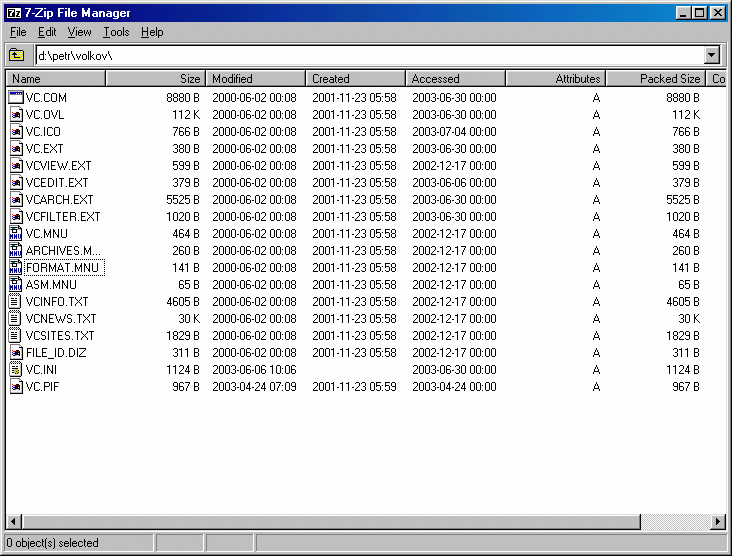
7-Zip 26.01
High-performance compression utility with proprietary 7z format that outcompresses RAR and ZIP archives significantly.
Free software at BigForkSteering means zero-cost programs you can install today on Windows, macOS or Linux — audited by hand for bundled adware, telemetry and licence drift since 2013.
High-performance compression utility with proprietary 7z format that outcompresses RAR and ZIP archives significantly.
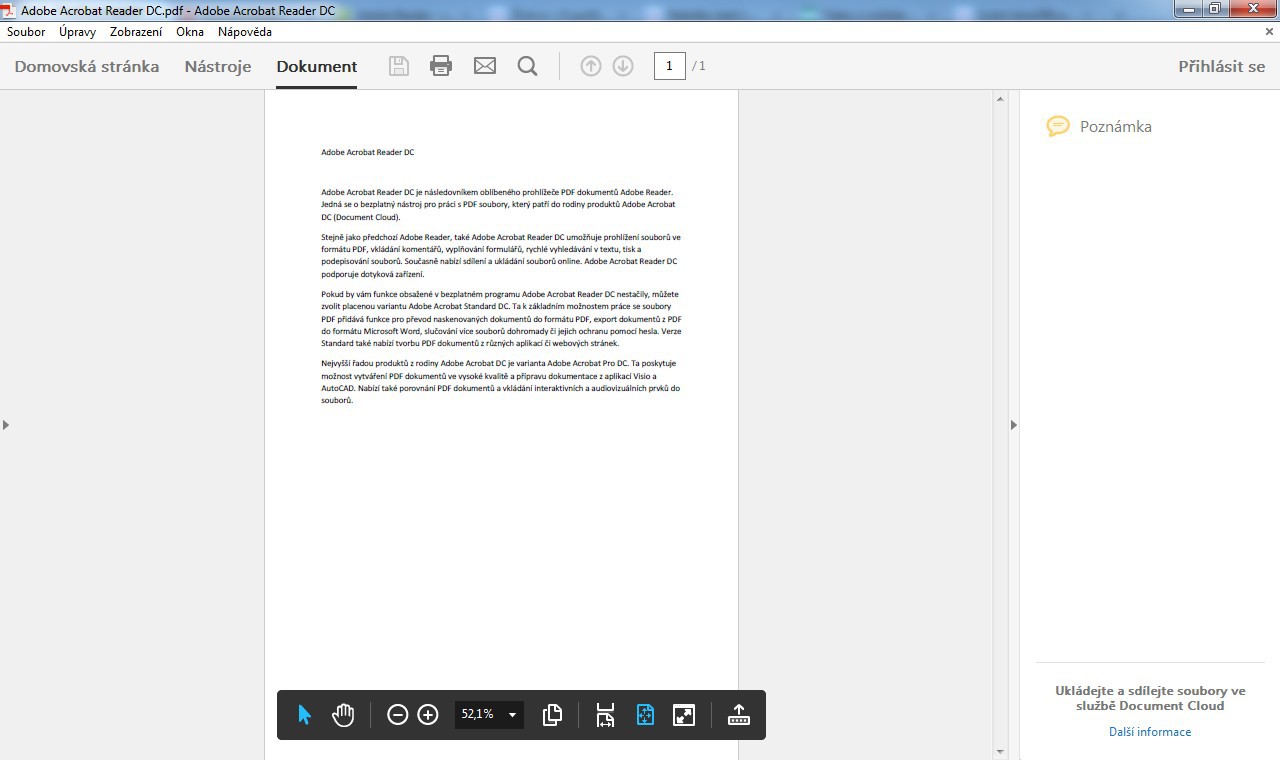
Adobe's official PDF viewer with annotation, form-filling, digital signatures and Document Cloud integration capabilities.
Voice and text communication platform designed specifically for gamers during online multiplayer sessions.
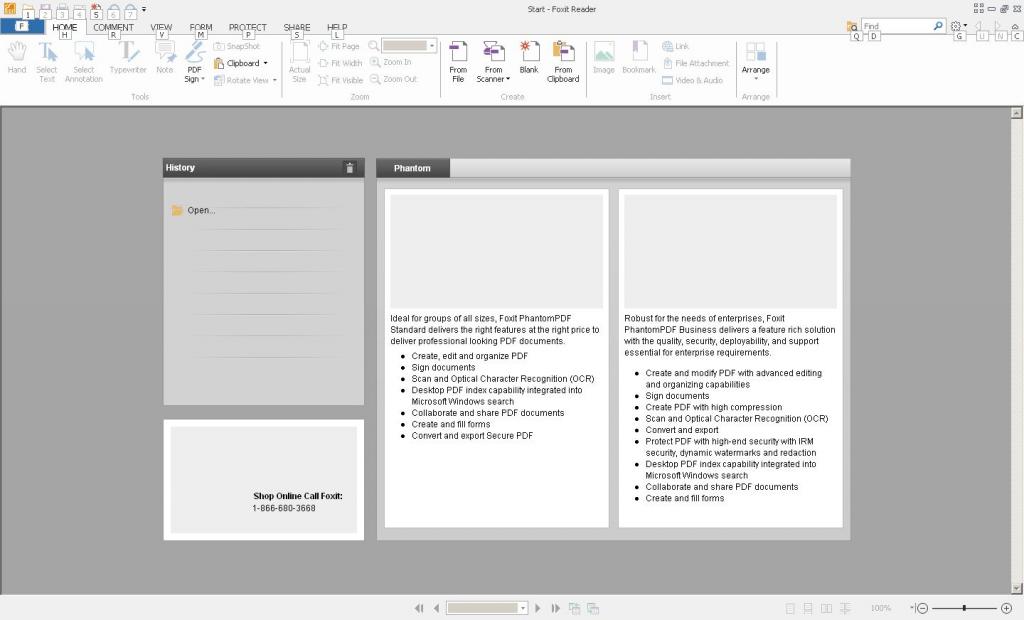
Fast, secure PDF viewer that handles document reading, form filling, and electronic signature workflows.
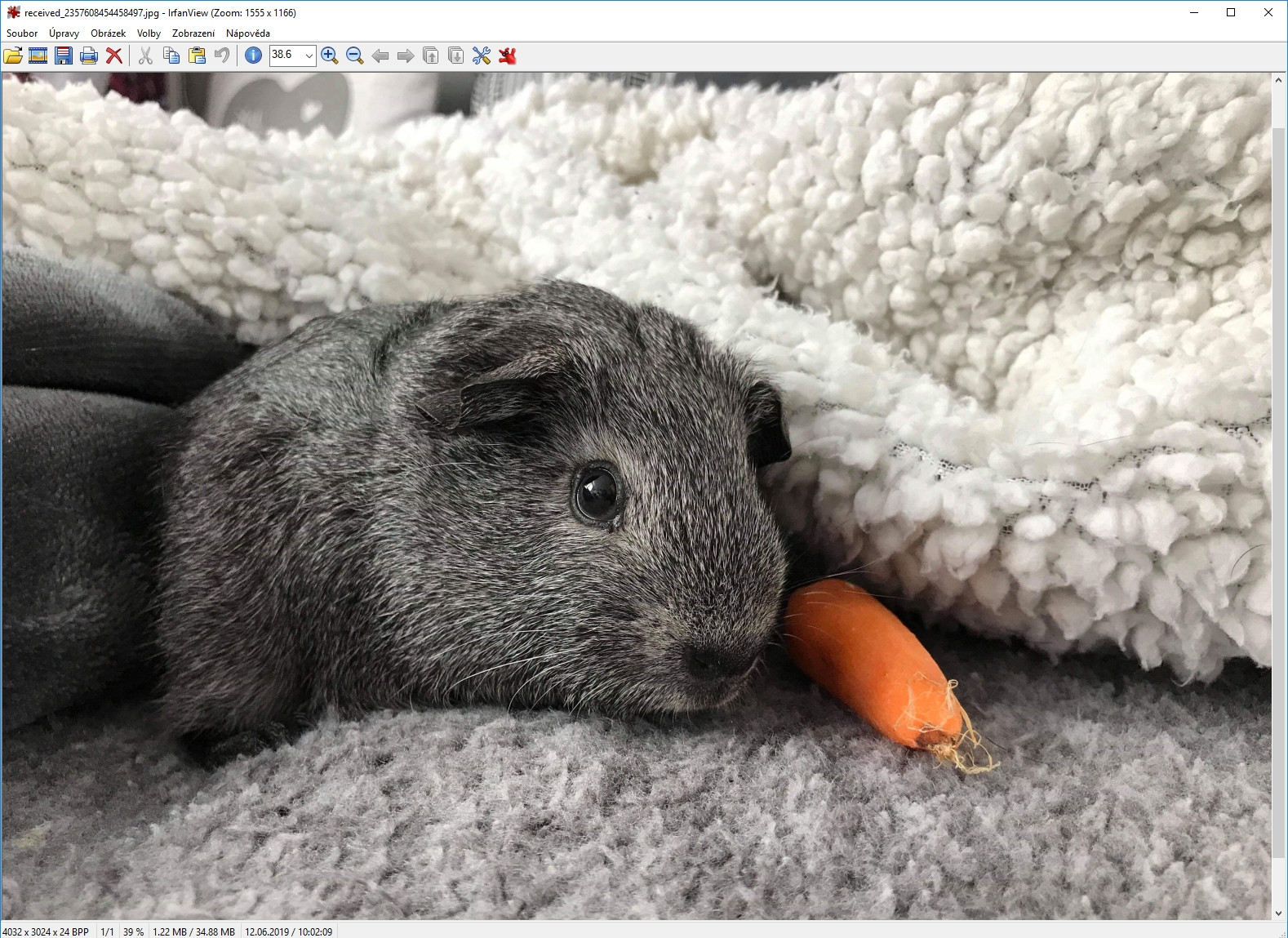
Lightweight Windows image viewer supporting 40+ formats with batch conversion and slideshow capabilities.
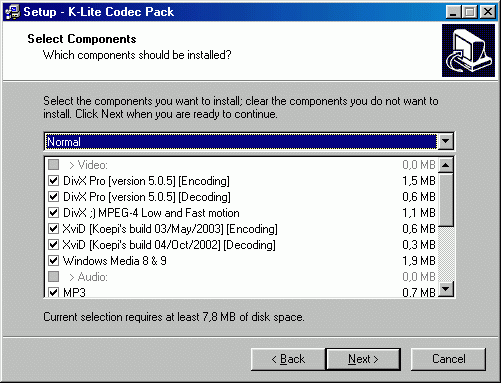
thorough codec collection enabling smooth playback of AVI, MKV, MP4, FLAC and dozens of multimedia formats.

Multi Arcade Machine Emulator that runs classic DOS and arcade games on modern Windows computers.
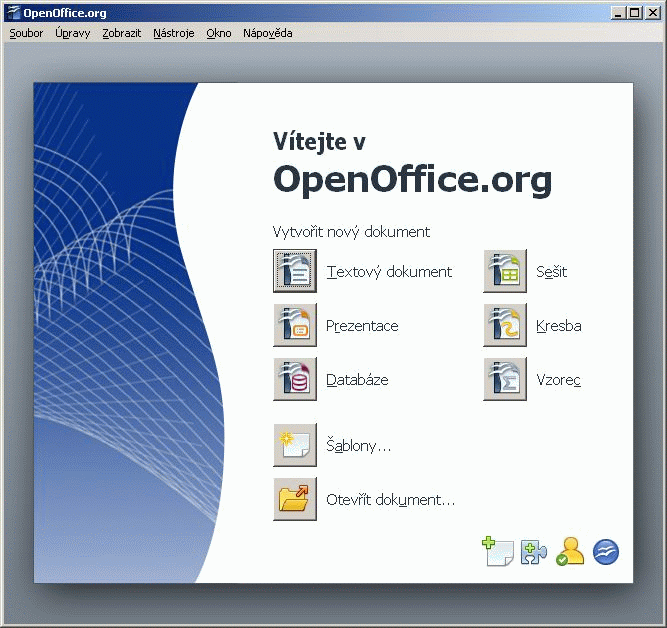
Complete office suite featuring word processor, spreadsheet calculator, presentation maker and database tools for document creation.
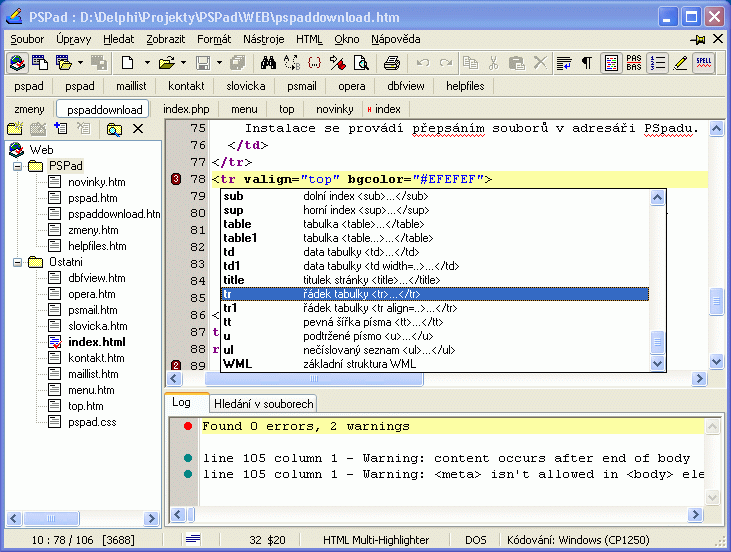
Lightweight portable code editor with syntax highlighting for 30+ languages including PHP, HTML, XML, Java, JavaScript and Python.
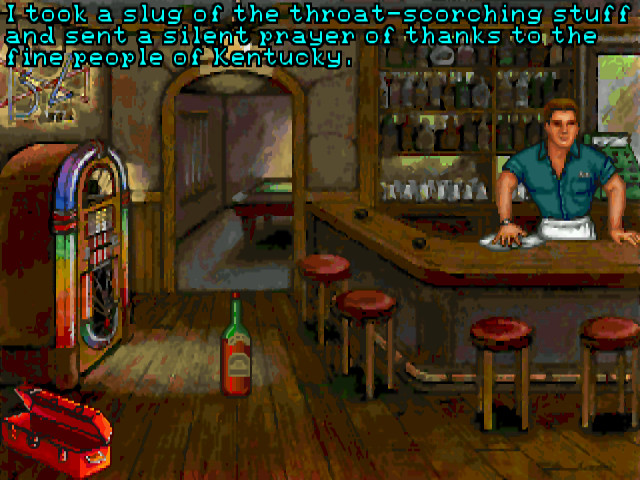
Classic adventure game emulator supporting 250+ titles from LucasArts, Sierra, Revolution Software and other studios.
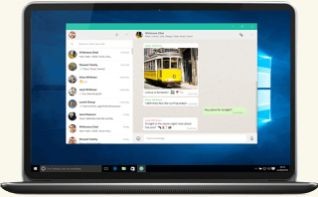
Official desktop messenger client that syncs with mobile WhatsApp via QR code pairing for complete cross-platform messaging.
Cross-platform secure messaging client with end-to-end encryption for groups, channels, and file sharing.
Free software, on this catalogue, refers to programs you can download and use at zero cost with no time limit and no nag screens demanding payment. That definition is wider than "open-source," which is a specific subset where the developer publishes the source code under a recognised licence (GPL, MIT, Apache, etc.). A free software download from this hub can be either closed-source freeware (Bitdefender Free, IrfanView, Sumatra PDF) or open-source binaries shipped at no cost (VLC, LibreOffice). Both qualify as "free" — but only the second category lets independent auditors read the code.
I split this hub deliberately. If you want code transparency specifically, go to open-source listings. If you want anything that costs nothing, you're in the right place. For programs with paid upgrade paths, check freemium; for time-limited evaluations, see trial software.
Some of the best programs in their categories remain closed-source freeware. IrfanView has been the fastest image viewer on Windows for two decades. IINA is the cleanest video player on macOS. Sumatra PDF opens documents in under a second on hardware where Adobe Reader stalls. These authors choose not to release source code, and that's a tradeoff users accept in exchange for tightly polished, single-developer software that often outperforms its open alternatives.
The free software download model survives because it solves a real problem: most users need a competent tool for an occasional task, not a subscription. A graphic designer using Photoshop daily can justify £20 a month. A pensioner cropping holiday photos cannot — and IrfanView does the job in eight megabytes. The same applies to security utilities, archive tools, and PDF readers. Paying recurring fees for occasional use makes no commercial sense, and developers who recognise that win loyal audiences.
Cost aside, free software often ships with fewer restrictions than paid equivalents. No activation servers calling home, no licence count limits across your machines, no offline lockouts when the vendor's auth service goes down. For Windows utilities especially, the freeware ecosystem on Windows remains deeper than anything macOS or Linux offers.
Closed-source freeware carries risks that open-source projects mostly avoid. The vendor controls the binary entirely, and history shows what can go wrong.
CCleaner is the textbook case: a beloved free utility bought by Avast, then caught shipping a malware-laced installer in 2017, then progressively bloated with upsells. The original Piriform team's product became something users no longer recognised. Comodo Free Antivirus followed a similar pattern. When you install closed-source freeware, you're trusting that today's developer is tomorrow's developer.
Without source code, you can't verify what a program sends back to its servers. Reputable freeware authors disclose telemetry in their privacy policy and offer opt-outs. Less reputable ones bundle "optional" toolbars, search hijackers, or PUPs (potentially unwanted programs) in the installer. The five-point audit catches most of these before they reach our listings.
Some freeware quietly shifts to freemium over time — features that were free in v3 become "Pro only" in v5. Foxit Reader has gradually nudged users toward its paid tier. This isn't dishonest, but it's worth tracking. I re-audit listed programs every six months and flag licence changes.
The standard editorial methodology applies to every program here, but freeware gets extra scrutiny on three points. First, source verification — the installer must come from the developer's own domain, never a third-party "download portal" wrapping it in adware. Second, installer audit — I run every freeware setup in a clean VM and watch for unchecked checkboxes offering toolbars, antivirus trials, or "system optimisers." Third, telemetry inspection — using Wireshark on first launch to see what the program contacts and whether opt-out actually works. Programs failing any of these get rejected or delisted. See how we rate for the full breakdown.
A starting list of verified free software downloads worth installing today, grouped by use case:
Bitdefender Free Antivirus (lightweight on-access scanning), KeePassXC (cross-platform password manager, open-source), Sumatra PDF (no JavaScript engine = no PDF exploits). Full list under system security.
VLC remains the default for anything video. IINA wraps mpv into a native macOS interface. Audacity handles multi-track audio editing. IrfanView and XnView MP cover image viewing and batch conversion. Browse the full multimedia category for niche players and converters.
LibreOffice replaces Microsoft Office for most household and small-business workflows. OnlyOffice handles .docx with better fidelity than LibreOffice for complex layouts. For PDFs, Sumatra (read-only) or Foxit's free tier (annotate). More under office and productivity.
Firefox and Brave for browsing, Thunderbird for email — see internet and communication. Developers should look at VS Code, Notepad++, and Postman's free tier under developer tools. For lighter use, the games and entertainment hub lists free-to-play and emulator utilities.
No. Free software here means zero cost, regardless of whether source code is published. Open-source is a subset where the code is publicly available under a recognised licence like GPL or MIT. A free software download can be closed-source freeware (IrfanView, Sumatra PDF) or open-source (VLC, LibreOffice). Both are free to use; only the second lets you audit the code.
It can be, but you're trusting the developer's reputation rather than verifiable code. Stick to programs from established authors with clean track records, download only from the developer's own domain, and watch installer screens for bundled offers. Every program on this hub has passed installer and telemetry audits in a clean VM.
Bundling — offering to install a toolbar, antivirus trial, or system utility during setup — is how some free developers monetise. Reputable ones make these optional and clearly labelled. Aggressive bundlers pre-check the boxes or hide them. Programs that do the latter don't make it onto this catalogue.
Yes, and it happens regularly. Vendors get acquired (CCleaner → Avast), introduce paid tiers (Foxit Reader), or move features behind a paywall in newer versions. I re-audit listed programs every six months and update licence status. If a free program shifts to freemium, it moves to the freemium hub.
Always the developer's own domain. Third-party "download portals" frequently wrap free installers in their own ad-laden launcher, which then installs PUPs alongside the program you wanted. Every listing on BigForkSteering links to the official source — no mirrors, no repackaged installers.
Some do, some don't. Closed-source freeware can phone home without telling you — there's no way to verify behaviour without network monitoring. I check first-launch traffic in Wireshark for every listing and note telemetry findings in the review. Open-source programs are easier to audit because the code itself is inspectable.
Free means the entire program is usable at no cost, indefinitely. Freemium means a free base tier exists but key features are gated behind a paid plan. Postman, Foxit Reader, and OnlyOffice are freemium — usable without paying, but the full experience requires a subscription.