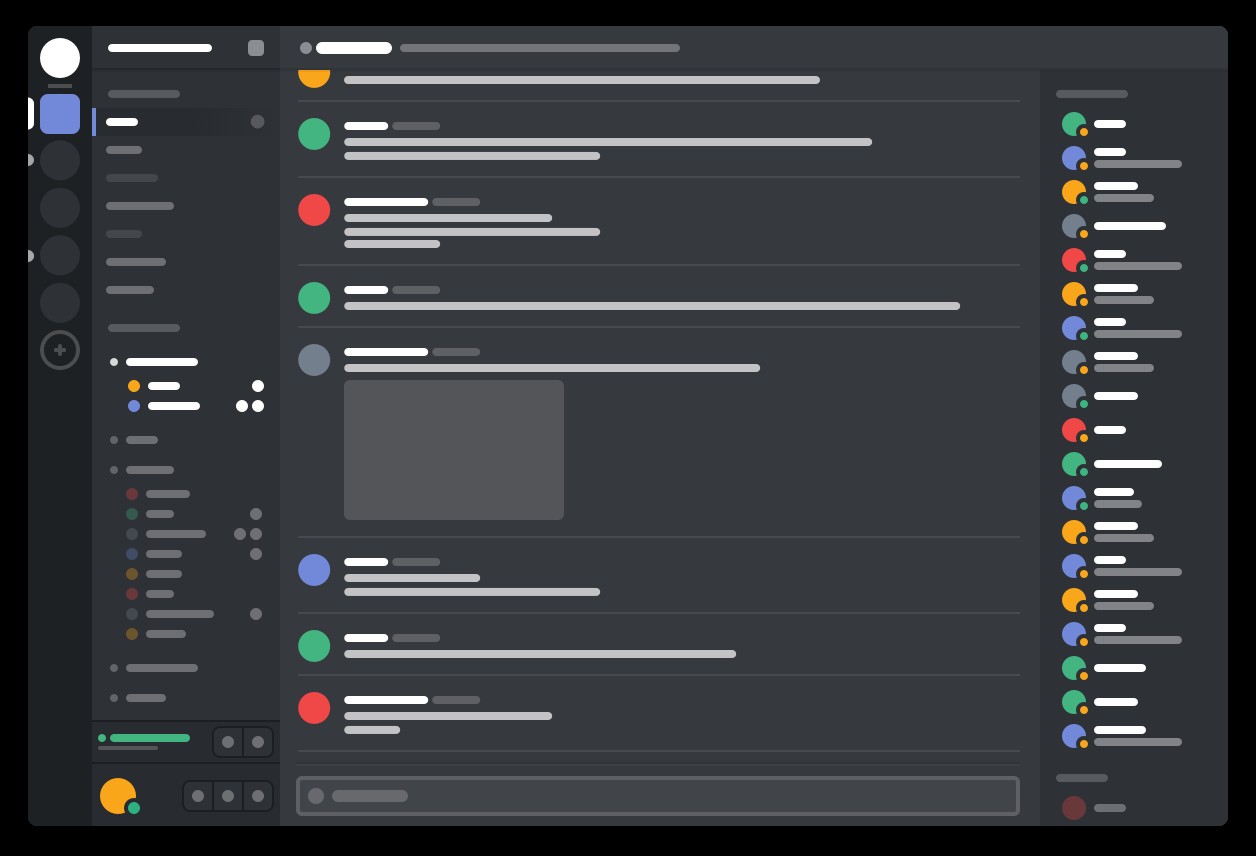
Discord
Voice and text communication platform designed specifically for gamers during online multiplayer sessions.
Whether you need a privacy-first web browser, a desktop email client that handles multiple IMAP accounts, a secure messenger without a phone number, or a torrent client with zero ads — the BigForkSteering internet & communication catalogue has it covered. Every program is reviewed first-hand and links directly to the developer's official download page. No bundled installers, no adware, no wrappers.
Voice and text communication platform designed specifically for gamers during online multiplayer sessions.
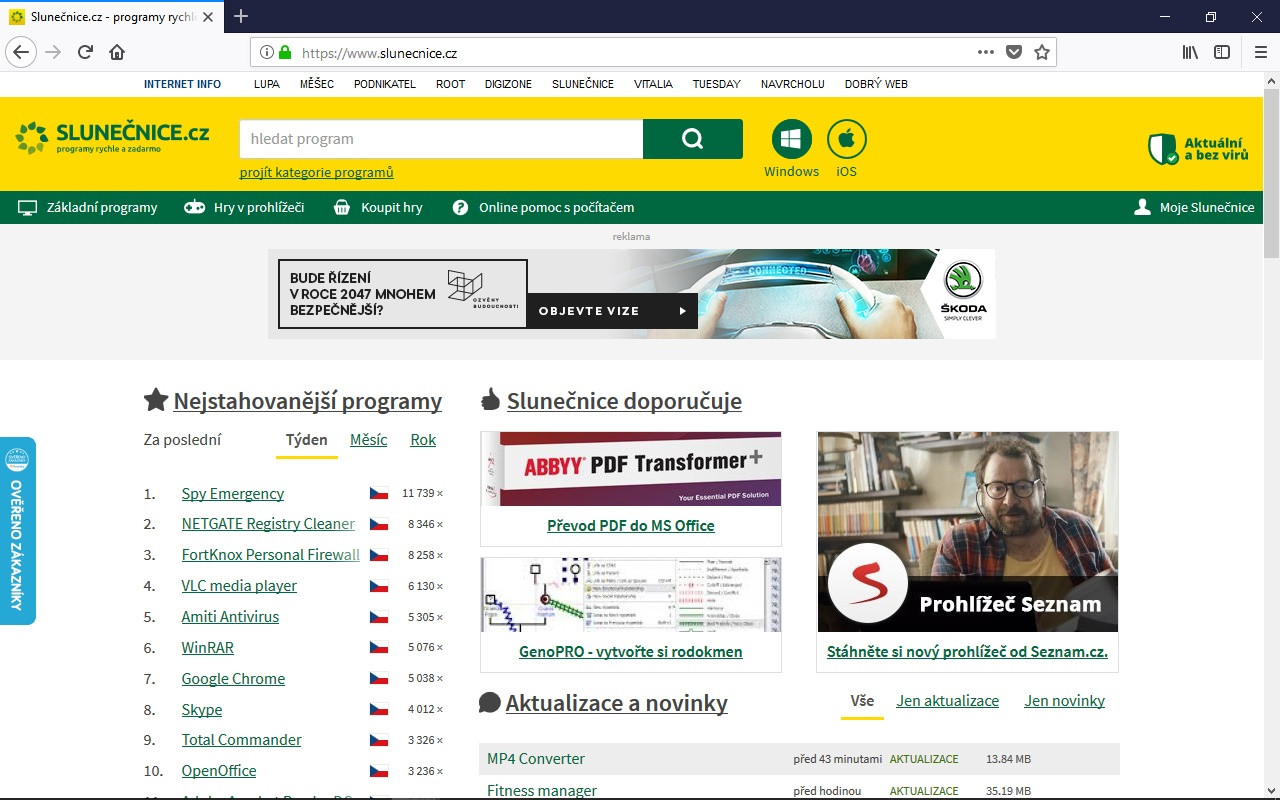
Mozilla's Firefox 135.0.1 download delivers enhanced privacy protection with improved tracking blocking and simplified tab management.
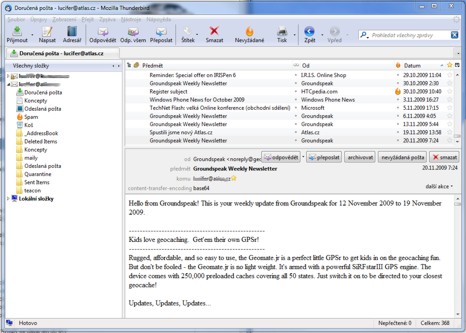
Open-source email client supporting IMAP, SMTP, POP3 protocols with tabbed interface and advanced filtering capabilities.

Official desktop messenger client that syncs with mobile WhatsApp via QR code pairing for complete cross-platform messaging.
Cross-platform secure messaging client with end-to-end encryption for groups, channels, and file sharing.
The internet and communication software category is the broadest in the BigForkSteering catalogue. It spans every type of software that connects your computer to the internet, moves data across a network, or puts you in contact with another person. The section covers eight disciplines: web browsers, email clients, instant messaging and VoIP applications, download managers, VPN and proxy clients, FTP and SFTP file-transfer tools, P2P and torrent clients, and RSS and news aggregators. Across all eight, there are strong freeware and open source options that rival or outperform paid equivalents in everyday use.
Every tool listed here passes BigForkSteering's five-point review before appearing in the catalogue: installed and tested on a current machine, installer audited for undisclosed bundled software, download link verified to point at the developer's own domain or repository, licence confirmed to match the label on the listing, and version checked to be the current stable release. Internet and communication software sits at the intersection of usability and security — any tool whose installer modifies browser settings, installs extensions without consent, or contacts tracking servers during setup is excluded, regardless of the core application's quality. See the editorial methodology for the full criteria.
A web browser is the most-used piece of software on any desktop, and the choice between available free options is genuinely meaningful. Different rendering engines differ in standards compliance, performance characteristics and who controls the development roadmap. The majority of browsers today share a single open source engine originally developed by Google, meaning one organisation significantly influences the direction of web standards. An independent open source engine — maintained outside any single technology company — represents an alternative that keeps the browser market more competitive and the web platform less dependent on a single vendor's priorities.
Privacy defaults vary significantly between free browsers. The strongest free browsers include built-in tracker blocking that prevents cross-site cookies and fingerprinting scripts from profiling your activity across unrelated sites — without requiring a separately installed extension. Hardware-accelerated rendering, lazy tab loading and efficient memory management matter on laptops where battery life and RAM usage are real constraints. For users who require network-level anonymity rather than just reduced tracking, browsers that route all traffic through anonymising relay networks are the appropriate choice, at the cost of slower connection speeds.
Modern free browsers fully support HTTP/2, HTTP/3 with QUIC, WebRTC for peer-to-peer video calls, WebAssembly for near-native web application performance, and current web standards. Extension ecosystems differ between rendering engine families — Browsers sharing the dominant rendering engine use a common extension API and can install from the same extension store, while browsers on independent engines have their own curated extension libraries. Privacy-relevant extensions — ad blockers, tracker blockers, script managers — are available across both ecosystems. Evaluate extension permissions carefully before installing: a browser extension with access to all websites and clipboard contents is a significant trust commitment regardless of the browser.
A desktop email client gives you something that webmail cannot: a locally stored copy of your messages, full offline access, direct control over encryption without depending on a web provider's implementation, and the freedom to switch email providers without losing your archived message history. The free desktop email client category has mature, actively maintained options across all three platforms.
The core protocol distinction to understand before choosing a free email client is IMAP versus POP3. IMAP synchronises your inbox across multiple devices — messages remain on the server, read and unread state is synchronised, and folders are mirrored. POP3 downloads and typically deletes messages from the server, giving you a local archive but limited multi-device access. Almost all modern email workflows benefit from IMAP. On the sending side, SMTP with TLS is the standard for encrypted delivery — port 587 with STARTTLS or port 465 with SMTPS. Avoid clients that default to unencrypted connections.
End-to-end email encryption is supported through two standards: OpenPGP (via the GnuPG toolchain) and S/MIME (certificate-based). Both protect message content from being read in transit or on the server, but require the recipient to also have a compatible key or certificate. For teams and organisations, S/MIME integrates with enterprise certificate authorities; for individuals, OpenPGP with a key server is the more practical setup. The best free email clients support both standards without requiring a separate plug-in. Additionally, Exchange Web Services compatibility matters for users whose organisation runs Microsoft 365 or on-premises Exchange — this is available through add-ons or built-in support depending on the client.
The instant messaging category contains some of the most privacy-sensitive software decisions a user makes. Applications that offer end-to-end encryption vary significantly in cryptographic implementation, metadata handling and server architecture — differences that matter in practice, not just in marketing copy.
End-to-end encryption (E2EE) ensures that message content can only be read by the sender and recipient — not by the service provider, not in transit, and not on the server. The strongest E2EE implementations are open source, independently audited, and enabled by default for all conversations, not just in a special "secret chat" mode. When evaluating a free messenger, check whether E2EE is the default or an opt-in, and whether the protocol design has been published and reviewed by independent cryptographers.
Metadata — who you message, when, and how often — is often as revealing as message content. Some free messengers minimise metadata retention by design; others retain contact graphs and communication timestamps on their servers. For users with strong privacy requirements, the architecture matters: centralised messengers where one company controls all servers have a different risk profile from federated protocols where messages can pass between independently operated servers, and from peer-to-peer systems with no central infrastructure at all.
For video conferencing specifically, browser-based WebRTC solutions require no installed software — guests join via a link without creating an account. For desktop applications, confirm whether video calls are end-to-end encrypted in group calls, not just one-to-one sessions, as group call encryption is architecturally harder and not universally implemented. Screen sharing, virtual backgrounds and session recording have become standard features in free communication software; bandwidth and latency requirements for HD video calls typically sit at 1.5–4 Mbps upstream per participant.
A dedicated download manager offers several concrete advantages over downloading directly in a browser. Resumable transfers survive network interruptions without restarting from the beginning. Parallel segment downloading — splitting a single file into multiple simultaneous requests — typically achieves 3–5× faster speeds on HTTP servers that support range requests (the HTTP Range header). Scheduled download windows allow large files to transfer overnight or during off-peak hours. Batch queuing processes lists of URLs sequentially with configurable delays between downloads.
Protocol coverage is the primary differentiator between free download managers. Entry-level tools handle HTTP and HTTPS. Mid-tier managers add FTP and SFTP support alongside HTTP parallel downloading. The most capable free download managers also handle authentication flows required by file-hosting services, CAPTCHA bypass, cookie-based session management and browser extension integration to capture download links automatically from your browser. For automated or scripted workflows, command-line download tools support HTTP, HTTPS, FTP, SFTP and BitTorrent simultaneously and can be controlled via APIs, making them suitable for integration into larger automation pipelines.
A VPN (Virtual Private Network) encrypts your internet traffic and routes it through a remote server operated by the VPN provider, preventing your ISP and local network operator from monitoring your activity. The primary use cases for a free VPN client on a desktop are securing connections on untrusted networks (coffee shops, hotels, shared Wi-Fi), bypassing geographic restrictions, and reducing ISP-level traffic monitoring on home connections.
The most important criteria for evaluating a free VPN client are the logging policy, the protocol used and whether the client software is open source. A verified no-logs policy means the VPN provider does not retain records of which websites you visited or when you connected — and ideally this claim has been confirmed by an independent third-party audit. On protocols: The modern lightweight VPN protocol — small enough to audit fully, with strong modern cryptography and significantly better performance than earlier designs — is now the default choice in most actively developed free clients. The established open source VPN protocol that preceded it remains widely supported by routers and institutional firewalls and accepts configuration files from most commercial and self-hosted VPN services. IKEv2/IPSec is common in mobile-focused clients for its fast reconnection on network switches.
Free-tier VPN clients in the BigForkSteering catalogue are limited to those that do not monetise user traffic data, do not inject ads, and maintain open source client applications. Data-capped free tiers are noted in listings so you can assess whether the limit suits your use case. A VPN protects traffic between your device and the VPN server but does not provide anonymity at the destination: websites can still identify you through logged-in accounts, first-party cookies and browser fingerprinting. For network-level anonymity, multi-hop relay networks route traffic through independent relays operated by different parties — substantially harder to correlate at the cost of higher latency.
FTP (File Transfer Protocol) and its successors FTPS and SFTP are the standard mechanisms for transferring files to and from remote servers — most relevant to web developers uploading to hosting environments, system administrators managing server files, and users accessing NAS devices and cloud storage via standard protocols.
The protocol choice matters significantly for security. Plain FTP transmits credentials and file content in cleartext — it should never be used over public networks and is increasingly disabled by default on hosting platforms. FTPS adds TLS encryption to the FTP protocol; it operates in two modes, explicit (STARTTLS on port 21) and implicit (port 990), with some firewall complications in active mode due to the secondary data connection. SFTP is the SSH File Transfer Protocol — technically unrelated to FTP despite the name — and operates over SSH on a single port (22), making it the simpler and more secure choice for most use cases. SCP (Secure Copy) operates over the same SSH channel as SFTP and is suitable for scripted transfers where a full file-browser interface is not needed.
When evaluating a free FTP or SFTP client, confirm it supports resuming interrupted transfers for large files, SSH public key authentication (more secure than password-based login), and directory synchronisation for comparing local and remote folder states. Scripting and automation support matters for users who need to schedule regular file synchronisation. WebDAV and S3 protocol support in an FTP client expands its usefulness to cloud storage workflows — some free clients handle FTP, FTPS, SFTP, WebDAV and S3 in a single interface, eliminating the need for separate tools per protocol.
The BitTorrent protocol distributes file downloads across a swarm of peers — each downloader simultaneously uploads the pieces they have received to other peers, reducing bandwidth load on any single server. For large files, a well-seeded torrent achieves download speeds limited primarily by your internet connection rather than the originating server's capacity. The protocol supports distributed hash tables (DHT) for trackerless operation, peer exchange (PEX) for discovering additional peers and local peer discovery (LPD) for sharing on the same local network.
The torrent client market has been significantly impacted by adware and bundled software — several historically popular clients switched to installer models that silently install additional software, browser toolbars or cryptocurrency mining software alongside the torrent client itself. The BigForkSteering catalogue exclusively lists open source torrent clients whose installers are clean and whose operation has been verified to contain no background mining, injected advertising or undisclosed network activity.
Key features to evaluate in a free torrent client: sequential downloading (for playing media files before the download completes), RSS auto-download rules (for automatically fetching new releases from subscribed feeds), bandwidth scheduling (limiting upload and download speeds to specified windows to avoid saturating your connection during working hours), a web UI for remote control from another device, and IP filtering to exclude known malicious or monitored IP ranges. Protocol encryption — a built-in BitTorrent message stream encryption option — obfuscates torrent traffic from deep packet inspection by ISPs, though it does not provide the same privacy as a VPN.
RSS (Really Simple Syndication) and its successor Atom provide a standardised way to receive content updates from any website without visiting it directly, without algorithmic curation and without advertising profiles. The format is supported by almost every major publication, podcast network, blog platform, government data portal, software repository and content aggregator. A dedicated RSS reader aggregates all subscribed feeds in one interface, marks read and unread items, supports filtering and search, and stores a local reading history under your control.
The case for a dedicated free RSS reader in 2026 is stronger than it was during the social media peak. Podcasts are distributed almost exclusively through RSS — podcast apps are specialised RSS readers. GitHub repositories expose commit and release feeds. Most content management systems generate RSS automatically. Mastodon and other ActivityPub platforms maintain RSS endpoints for public accounts. YouTube channels, subreddits and most news sites publish feeds. A free RSS reader gives you direct, algorithm-free access to any content source that publishes a feed URL — which covers most of the open web.
When evaluating a free RSS reader, consider whether it stores feeds locally (no cloud dependency, full offline reading) or syncs via a cloud service (accessible across devices but requires an account and server trust). Category and folder organisation, full-text fetch for feeds that only publish summaries, podcast download support, and built-in browser integration for adding feeds from a page you are currently visiting are the features that distinguish capable readers from basic ones. Some free email clients integrate RSS reading natively alongside inbox management — a practical choice if you prefer to consolidate communication tools.
The Windows internet and communication software section is the largest part of the catalogue, with the broadest selection across all eight sub-categories. Windows 11 users on ARM64 hardware (Snapdragon X Elite and X Plus devices) will find native ARM64 builds listed explicitly where available — listings note architecture support so you can choose accordingly.
For macOS users, the leading free internet tools maintain Apple silicon (M1 through M4) native builds alongside Intel versions, distributed as universal binaries or architecture-specific packages. VideoToolbox hardware acceleration improves performance for WebRTC-based video calls on Apple silicon; this is relevant when evaluating free communication software for meetings and calls on a MacBook. The macOS security model (Gatekeeper, notarisation) means that open source tools distributed without Apple notarisation may require a manual approval step on first launch — this is noted in reviews where applicable.
The Linux internet software section covers the tools most important to Linux users as a primary platform. Flatpak distribution on Flathub provides the most consistent update channel across distributions for communication software — use the format filter to find tools with Flatpak availability. AppImage builds work without installation on most distributions. For users managing their own servers alongside desktop software, the internet and communication catalogue overlaps with the developer tools section, which covers SSH clients, network utilities and server administration tools.
Many of the most capable free internet and communication tools are genuinely cross-platform with identical feature sets on all three operating systems. Choosing cross-platform tools reduces friction when switching or working across operating systems and simplifies licence management for teams. Use the platform filters at the top of the catalogue to filter to your platform, or explore the comparisons section to evaluate alternatives side by side before downloading.
The most important factors are: which rendering engine it uses (independent engines offer an alternative to single-vendor engine dominance), what tracking protection is enabled by default, how it handles memory on machines with limited RAM, and whether it maintains a native ARM64 build for your hardware. Extension ecosystem matters if you rely on specific add-ons. For maximum privacy, look for browsers with built-in tracker and fingerprint blocking rather than relying solely on extensions. Browse the Windows browser section or Mac section with the platform filter applied.
At minimum: IMAP (not just POP3) for multi-device synchronisation, SMTP with TLS on port 587 or 465 for secure sending, and OAuth 2.0 for authenticating with Gmail and Outlook without storing your password. OpenPGP and S/MIME end-to-end encryption support are important if you send confidential email. Exchange Web Services (EWS) compatibility matters for corporate users. The strongest free email clients support all of these natively without requiring third-party add-ons.
FTP (File Transfer Protocol) transmits credentials and files in cleartext — avoid it over public networks. FTPS adds TLS encryption to FTP, operating in explicit mode (STARTTLS on port 21) or implicit mode (port 990), but requires careful firewall configuration for active mode transfers. SFTP (SSH File Transfer Protocol) is technically separate from FTP, operates over SSH on a single port (22), encrypts everything by default and is the recommended choice for most use cases. SCP (Secure Copy) is a simpler file-copy tool over the same SSH channel, suitable for scripted transfers. Free FTP clients that support all three protocols plus WebDAV cover the full range of server types.
The main differences are server count, geographic coverage and connection speed under load — paid tiers typically offer dozens of countries and uncongested servers. For privacy fundamentals — logging policy, protocol quality, open source clients, independent audits — the best free-tier VPN clients match or exceed many paid competitors. What matters most is a verified no-logs policy, open source client code that has been independently audited, and modern protocol support (the modern lightweight protocol or the established open source VPN protocol). Data-capped free tiers are noted explicitly in BigForkSteering listings.
The core requirement is resumable transfers — interrupted downloads should continue from where they stopped, not restart. Parallel segment downloading significantly speeds up large file transfers on HTTP servers that support range requests. Browser extension integration to automatically capture download links saves manual URL copying. FTP and SFTP support alongside HTTP covers the range of server types you will encounter. Bandwidth scheduling — limiting speeds to specific time windows — prevents downloads from saturating your connection during working hours.
Choose an open source client only — with public source code, independent researchers can verify there is no adware, bundled software or cryptocurrency mining. Verify the installer is clean before running it: download only from the developer's official release page, check the installer against the developer-published SHA-256 or MD5 hash where available, and monitor installation for any bundled offers. The BigForkSteering internet and communication section lists only torrent clients whose installation behaviour has been verified to be clean.
Yes. Use the platform filters above the software grid to show only Mac or Linux tools. The leading free tools across all eight sub-categories — browsers, email clients, messengers, download managers, VPN clients, FTP tools and torrent clients — maintain first-class builds for macOS and Linux alongside Windows. Mac listings note Apple silicon native support; Linux listings note Flatpak, AppImage and Snap availability.