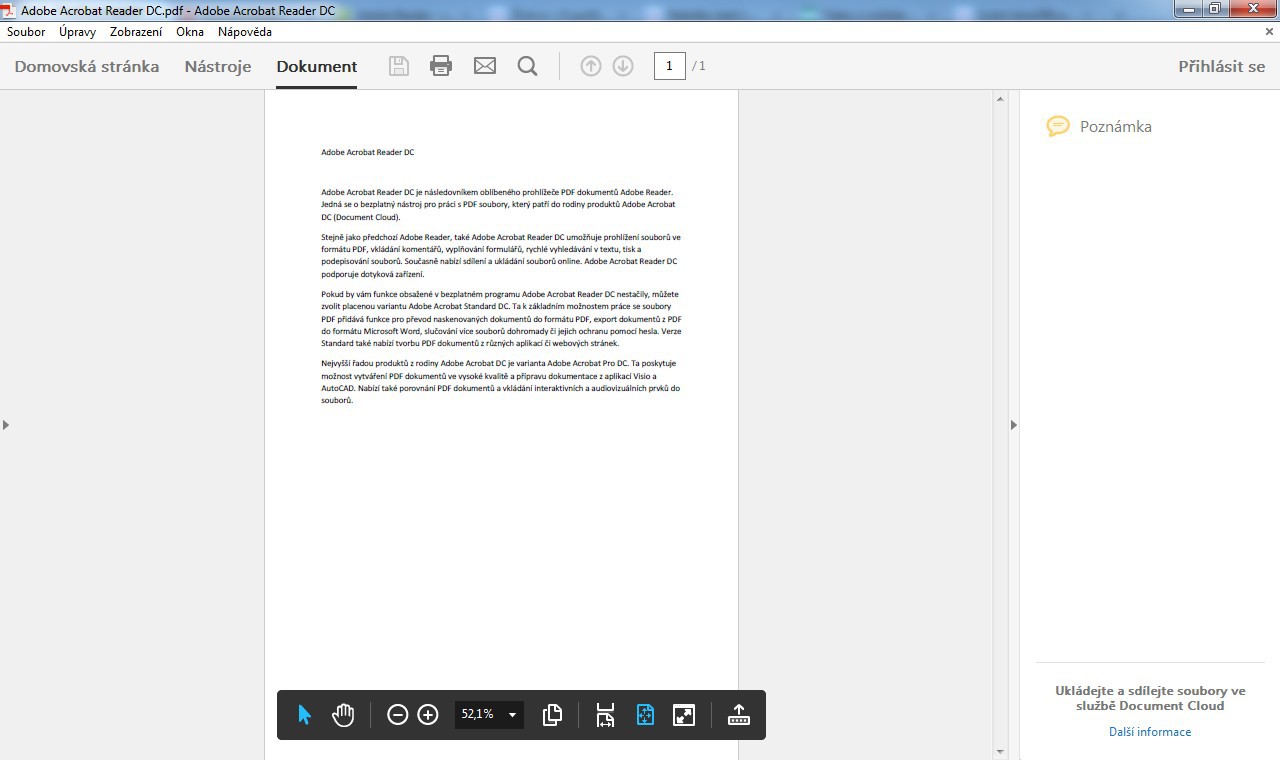
Adobe Acrobat Reader DC 2015.023.20053
Adobe's official PDF viewer with annotation, form-filling, digital signatures and Document Cloud integration capabilities.
From fully-featured office suites that open .docx and .xlsx files without a Microsoft subscription, to PDF editors, knowledge managers, personal finance tools and 2D/3D CAD applications — the BigForkSteering office & productivity catalogue has the desktop software a working day actually needs. Every program is reviewed first-hand and links directly to the developer's official download page. No bundled installers, no adware, no wrappers.
Adobe's official PDF viewer with annotation, form-filling, digital signatures and Document Cloud integration capabilities.
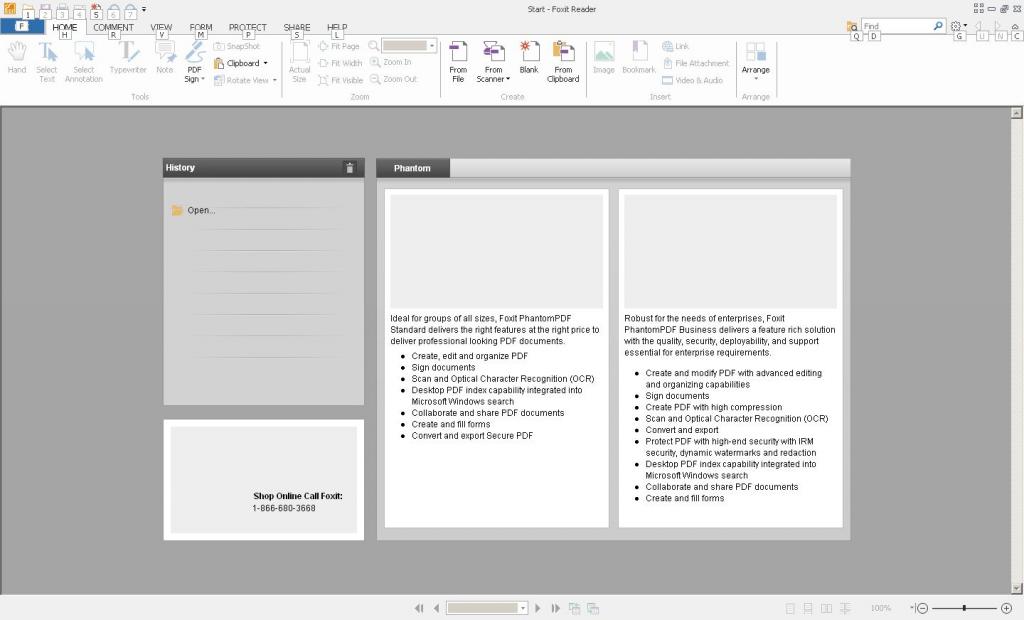
Fast, secure PDF viewer that handles document reading, form filling, and electronic signature workflows.
Complete open-source office suite with Writer, Calc, Impress, and Draw for document editing and presentations.
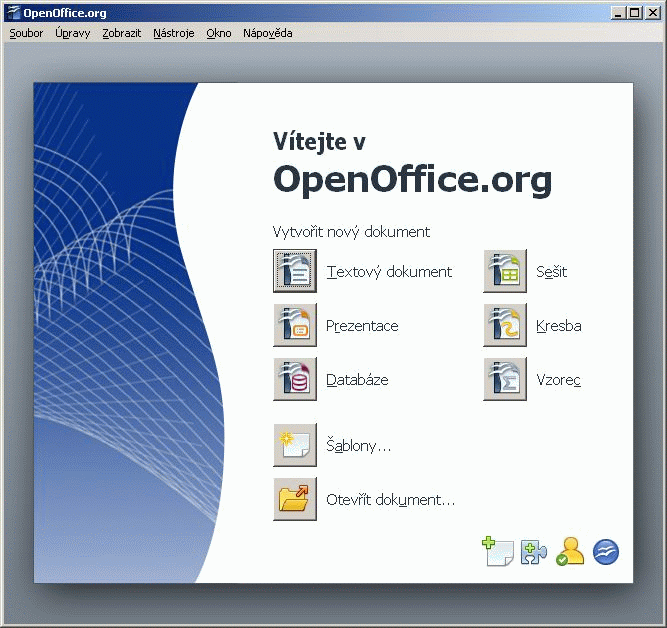
Complete office suite featuring word processor, spreadsheet calculator, presentation maker and database tools for document creation.
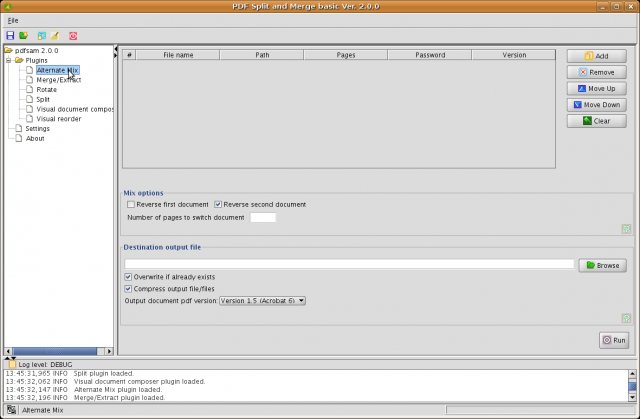
Portable PDF split and merge utility that handles document restructuring without requiring installation on Windows systems.
Office and productivity software covers every application that helps you create, organise, analyse and communicate information in a professional or personal context. The BigForkSteering catalogue for this category spans seven distinct disciplines: office suites for document, spreadsheet and presentation work; PDF tools for reading, editing and converting portable documents; note-taking and knowledge management applications; calendars, task managers and planning tools; personal finance and accounting software; document utilities including converters and managers; and CAD and technical drawing applications. Across all seven, strong freeware and open source options exist that genuinely compete with paid subscription alternatives.
The office and productivity category has a particular licence consideration that distinguishes it from other categories: some tools advertise themselves as free but restrict commercial use to paid licences. Every listing in the BigForkSteering catalogue states the licence terms accurately — tools that are free for personal use only, tools that are free for both personal and commercial use, and tools under open source licences that impose specific obligations on redistribution are all labelled distinctly. This matters especially for freelancers, small businesses and organisations where "free for personal use" does not cover professional use. See the editorial methodology for how licence labels are determined.
A free office suite must solve two problems simultaneously: producing high-quality documents in a free, open standard, and reading documents created in the dominant commercial format without significant loss. The tension between these goals — open standards versus compatibility with the installed base — defines the landscape of free office productivity software.
The two relevant document format standards are ODF (Open Document Format, ISO/IEC 26300) and OOXML (Office Open XML, ISO/IEC 29500). ODF is the native format of all major free office suites — .odt for text documents, .ods for spreadsheets, .odp for presentations, .odg for graphics and .odf for mathematical formulas. It is implementation-neutral, meaning any conforming application can read and write it without licensing obligations. OOXML is Microsoft's format, used natively by Microsoft 365 as .docx, .xlsx and .pptx. It is also ISO-standardised, but its specification requires knowledge of decades of legacy Microsoft behaviour to implement fully — which is why free office suite compatibility with complex OOXML documents can fall short of the original application.
For practical everyday use — letters, reports, invoices, CVs, budgets, timetables and presentations — free office suites handle both formats reliably. The compatibility gaps appear in specific advanced scenarios: complex VBA macros that call Microsoft-specific APIs, highly formatted Word documents using advanced typography features like kerning tables, Excel workbooks with pivot charts linked to external data sources, and PowerPoint presentations using proprietary animation types not in the OOXML specification. If your workflow involves these specific features, testing with your actual files before committing to a free office suite is the prudent approach.
Within a free office suite, the three core applications each have their own compatibility surface. Word processing compatibility hinges on paragraph styles, section breaks, header and footer behaviour, tracked changes and comments, footnotes and endnotes, table-of-contents generation, and mail merge from external data sources. Spreadsheet compatibility depends on formula function parity — most standard functions (SUM, VLOOKUP, INDEX/MATCH, IF, COUNTIF) work identically, but some advanced statistical, financial and engineering functions have implementation differences across suites. Presentation compatibility is most affected by animations and transitions, embedded fonts, and multimedia objects.
Free office productivity software increasingly offers real-time collaboration — the ability for multiple users to edit the same document simultaneously with changes visible to all participants. This feature, long exclusive to subscription office software, is now available in both hosted web-based office suites and self-hosted collaborative editing servers. The collaboration approach differs: web-based suites require a browser and an account with the hosting provider; self-hosted solutions require a server but give you full control over where documents are stored. Filter the office suite sub-section by the features relevant to your use case.
PDF (Portable Document Format) is the dominant standard for document exchange because it preserves layout, fonts and images consistently across all operating systems and devices. The ISO 32000 standard governs the PDF specification — currently at PDF 2.0 — and tools that fully implement it handle all document types correctly, including PDF/A (the archival subset), PDF/UA (the accessibility subset), PDF/X (the print production subset) and PDF forms using both AcroForm and the newer XFA format.
Free PDF readers at minimum display PDF files accurately, render embedded fonts, handle page bookmarks and navigation, support PDF annotation (sticky notes, highlight, underline, strikethrough, freehand drawing), fill and save interactive AcroForm fields, and display document metadata. Higher-capability free PDF readers add digital signature verification — checking that a document has not been modified since signing and that the signing certificate is valid — JavaScript execution in interactive forms, and integrated document search across multiple PDFs in a folder.
PDF editing encompasses a wide range of operations with very different technical complexity. Annotation and markup (the lightest tier) adds comments and highlights without modifying the underlying content. Form filling populates AcroForm fields without structural changes. Page-level operations — merging multiple PDFs into one file, splitting a single PDF into separate documents, rotating pages, reordering pages, extracting specific pages as a new file, adding or removing bookmarks — do not require understanding the content, only the page structure, and are well supported by free tools.
Content editing — modifying the actual text or images within a PDF — is significantly more complex. PDFs are not structured as editable word processor documents; text is stored as positioned glyphs without the paragraph-flow logic of an editable document. Free PDF content editors work best on PDFs that were originally generated from word processors or desktop publishing applications (as opposed to scanned documents) and are most reliable for small corrections. Converting a scanned PDF to editable text requires optical character recognition (OCR); free tools with OCR capability can produce editable documents but the quality depends on the original scan resolution and font clarity.
PDF conversion — creating a PDF from another format, or converting a PDF back to an editable format — is handled by most free office suites as a built-in export function. Exporting to PDF/A (the archival standard that embeds all fonts and prohibits external references) is important for documents intended for long-term preservation. Converting PDF to .docx or .xlsx for further editing is possible with free tools but expect to spend time correcting layout and formatting artefacts, particularly in complex multi-column documents.
Note-taking software spans a wide capability range. At one end sit simple text editors used as quick scratchpads; at the other, full knowledge management systems that organise hundreds of notes with tags, bidirectional links, full-text search, version history and synchronisation across devices. The key architectural choice in this category is between flat, folder-based organisation (simple, universally understood) and linking-based knowledge graphs (more powerful for complex relationships, steeper learning curve).
Markdown has become the dominant format for plain-text note-taking. Notes written in Markdown are stored as readable plain text, portable across applications, renderable as formatted HTML in any Markdown viewer, and unaffected by proprietary format changes — your notes remain accessible even if the application is discontinued. The best free note-taking productivity tools support live preview (seeing the formatted output as you type), syntax highlighting for code blocks, LaTeX mathematical notation rendering, and embedded images.
Hierarchical notebook organisation — folders within folders, with individual notes at the leaf level — maps naturally to projects, topics and sub-topics. Tag-based organisation complements hierarchy by allowing cross-cutting classification: a note about a project meeting can simultaneously appear in the project folder and under the "meeting" and "Q2 planning" tags. Bidirectional linking takes this further: notes explicitly link to each other, and each note shows what other notes link back to it, revealing relationships that a folder structure cannot represent.
Research reference managers — a specialist type of productivity software — store academic citations, attach full-text PDFs, generate bibliographies in any citation style (APA, Chicago, MLA, Vancouver and hundreds of others), integrate with word processors to insert inline citations, and sync a shared library across a research team. Free and open source options in this space are mature and support import from major academic databases and DOI lookup for automatic metadata retrieval. See also the developer tools section for version-controlled documentation tools used in technical writing workflows.
Productivity software for time and task management sits on a spectrum from minimal to-do list applications to fully featured project management platforms. The right tool depends on whether you are managing personal tasks, a small team's workflow or a formal project with dependencies, milestones and resource allocation.
Free desktop calendar applications handle event scheduling, recurring appointments, reminders, multiple calendar layers (personal, work, family) and sync with CalDAV-compatible servers — the open standard for calendar synchronisation that most calendar hosting services support, including self-hosted options. Free task managers implement Getting Things Done (GTD), Kanban board or list-based methodologies. Kanban boards organise tasks as cards moving through columns (typically To Do, In Progress, Done) and provide at-a-glance workflow visibility. GTD-oriented tools focus on capturing, clarifying and reviewing tasks across projects and contexts. Free project management tools for more complex workflows add Gantt chart views, task dependencies (task B cannot start until task A is complete), milestone tracking, time logging and resource assignment.
For personal finance planning specifically, the boundary between a calendar and a budget planner is relevant: some personal finance tools display bill payment deadlines and income dates on a calendar view alongside regular appointments, providing a unified view of time-based financial obligations alongside other scheduled activities.
Personal finance software helps individuals track income, expenses, bank account balances, investments and net worth. Free tools in this category range from simple budget spreadsheets with category tracking, to full double-entry bookkeeping applications that produce proper financial statements. The appropriate choice depends on whether you need to track a household budget, manage a freelance business, or run formal accounting for a registered company.
Double-entry bookkeeping — recording every transaction as matching debit and credit entries — is the accounting standard that provides the error-checking properties needed for reliable financial reporting. Free accounting software that implements double-entry produces a balance sheet, profit and loss statement, and trial balance automatically from transaction data. This is appropriate for small businesses and sole traders who need to demonstrate their financial position to a bank, accountant or tax authority. Single-entry tools that simply log income and expenses are easier to use but produce only basic reports and are suited primarily to personal budget management.
Invoice generation is a common requirement in free accounting and finance software. An invoicing tool creates professional PDF invoices with line items, tax calculations, payment terms and bank details, tracks whether invoices have been paid, and generates a basic accounts receivable report. For freelancers and consultants, this function — combined with expense tracking and a bank reconciliation tool — covers the core accounting workflow without needing the full complexity of a double-entry accounting system. Some free productivity suites bundle a basic invoicing module alongside their office productivity tools; others are dedicated accounting applications available in both desktop and web-based forms.
Document utilities are the supporting tier of office productivity software — tools that handle the preparation, conversion and management of documents rather than their creation. File format converters transform documents between formats: .docx to .odt, .xlsx to .csv, .pptx to PDF, .pdf to .docx. Batch converters apply the same transformation to entire folders of files, valuable when migrating a document archive from one format standard to another. Document managers organise large collections of scanned documents, PDFs and office files with tagging, full-text search and metadata editing — essentially a library catalogue for your documents.
Digital signature tools sign PDF documents with a cryptographic certificate, providing legally binding proof of authorship and document integrity in jurisdictions that recognise electronic signatures. Free tools typically support self-signed certificates (useful for personal record-keeping and document integrity verification) and certificates from public key infrastructure (PKI) providers recognised by institutional certificate authorities. PDF/A-compliant archiving, as mentioned in the PDF section, ensures documents remain accessible decades from now by embedding all dependencies — fonts, colour profiles, metadata — within the file itself.
CAD (Computer-Aided Design) software creates technically precise drawings and models used in engineering, architecture, industrial design, electronics layout and 3D printing preparation. The category divides into 2D drafting tools and 3D modelling applications, with some tools spanning both.
Free 2D CAD applications create precise technical drawings — floor plans, mechanical part drawings, electrical schematics, PCB layouts — with exact dimensional constraints. The DXF (Drawing Exchange Format) is the standard interoperability format for 2D CAD; free tools that export DXF can exchange drawings with any CAD application regardless of platform. DWG, the native AutoCAD format, is also widely supported as an import/export target.
Free 3D CAD tools range from entry-level mesh editors suitable for 3D printing hobby projects, through mid-tier parametric solid modellers that define geometry through constraints and features, to full-scale engineering tools with assembly management, finite element analysis plugins and manufacturing output. Parametric modelling — where dimensions and relationships are stored as editable parameters rather than fixed geometry — allows efficient design iteration: change a single parameter and the entire model updates consistently. STEP (Standard for the Exchange of Product Model Data) and IGES are the standard neutral formats for exchanging 3D models between different CAD applications; STL and 3MF are the standard formats for 3D printing.
The Windows office and productivity section covers the broadest selection, including tools with Windows-specific features such as deep integration with the Windows print subsystem, COM automation for interoperability between applications, and ARM64 native builds for Snapdragon-based devices. Windows 11's improved PDF handling and OneDrive integration are noted in reviews where they affect free tool behaviour.
For macOS users, office and productivity software increasingly ships as universal binaries with native Apple silicon support, taking advantage of the M-series CPU's efficiency cores for background operations and the Metal GPU API for graphics-accelerated rendering in CAD and presentation applications. iCloud Drive integration and macOS-specific accessibility features are noted in relevant reviews.
The Linux catalogue covers office and productivity tools distributed as Flatpak, AppImage, Snap and native distribution packages. Linux users benefit from the strongest selection in the open source office suite category — the major free office suites were developed with Linux as a first-class platform and maintain feature parity across operating systems. For specialised productivity tools, Linux availability varies more than in the multimedia or developer categories — the platform filter surfaces the relevant subset.
A practical note for cross-platform teams: file format compatibility between different office suites, operating systems and file-sharing services is more reliably achieved by using PDF for final deliverable documents and ODF or OOXML for collaborative editing, rather than relying on a single proprietary format. The comparisons section provides head-to-head evaluations of the most popular free office productivity tools to help you choose before downloading.
If you collaborate with users of Microsoft 365, save in OOXML (.docx, .xlsx, .pptx) so their applications open your files without conversion. For documents you control entirely — personal archives, internal files, long-term storage — ODF (.odt, .ods, .odp) is the safer choice: it is an ISO-standardised open format with no licensing obligations and no vendor dependencies. The best free office suites read and write both formats reliably for everyday documents. Test with your specific files if you rely on advanced formatting, complex spreadsheet formulas or macro automation.
For reliable OOXML compatibility, look for: full paragraph style and tracked-changes support in the word processor; standard formula function parity and chart rendering in the spreadsheet application; and animation and embedded media handling in the presentation tool. Compatibility with VBA macros, complex pivot tables and advanced typography is partial in most free office suites. For everyday business documents, letters and typical spreadsheets, free office software compatibility is high. For macro-heavy Excel workbooks or heavily formatted Word documents, test your specific files before committing.
A PDF reader opens, displays and annotates PDFs and fills interactive AcroForm fields, but does not modify the document content. A PDF editor adds the ability to modify text and images, merge or split PDFs, reorder pages, apply redaction and add digital signatures. Content editing of text-based PDFs works reasonably well in free tools; editing scanned PDFs requires OCR to convert image text to editable characters. Free office suites export to PDF as a built-in function and handle PDF/A archival format. Browse the PDF tools sub-section for current listings.
Yes. Several free and open source note-taking applications store notes as plain Markdown files in a folder you choose — including a folder in any cloud storage service you already control (a cloud drive, a self-hosted WebDAV or SFTP server, or a synced folder). This approach gives you multi-device sync without creating an account with the note-taking application itself. Fully local-only tools with no sync are also available for users who do not need cross-device access and prioritise privacy. The sync method is noted in each listing in the BigForkSteering productivity section.
Free double-entry accounting software is genuinely suitable for sole traders, freelancers and small businesses that need proper financial records. Double-entry produces balance sheets, profit and loss statements and trial balances automatically — the financial reports required by most accountants and tax authorities. Confirm the tool supports your local tax requirements (VAT/GST calculation and reporting varies by country), multi-currency transactions if relevant, and bank statement import in your bank's export format (CSV, OFX, QIF). For personal budget tracking, a simpler single-entry tool may be sufficient. Browse the finance sub-section with licence and platform filters applied.
For 2D technical drawings: DXF (Drawing Exchange Format) is the universal open exchange format readable by every CAD application. DWG is the native format of the most widely used commercial CAD software and is supported as an import/export target by most free CAD tools. For 3D models: STEP (ISO 10303) and IGES are the neutral exchange formats for solid models across CAD systems. STL and 3MF are the standard formats for 3D printing. Free CAD tools that export to these formats can exchange geometry with commercial CAD software without proprietary format dependencies.
Yes. The leading free office suites, PDF tools and note-taking apps maintain builds for macOS and Linux alongside Windows. Filter by Mac or Linux using the platform buttons above the software grid. macOS listings note Apple silicon native support; Linux listings note Flatpak, AppImage and package manager availability. The major free office suites treat all three platforms as equal targets and maintain feature parity across them.