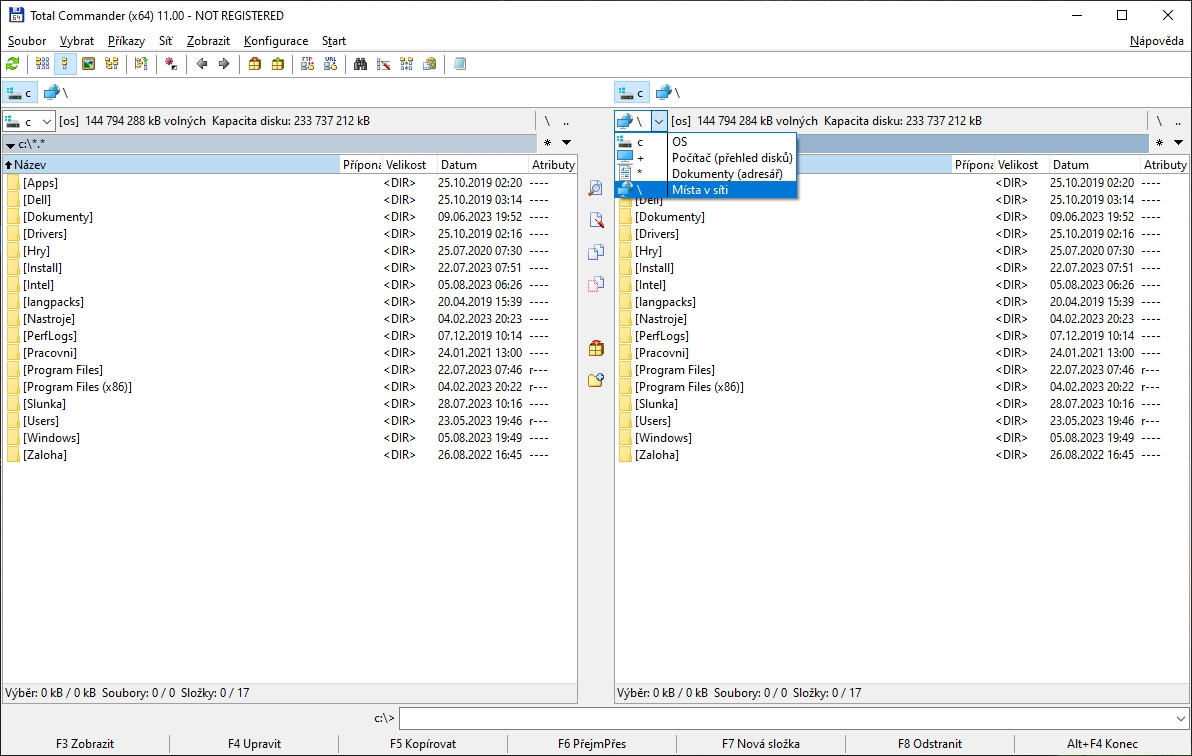
Total Commander 11.56
Dual-pane file manager with built-in FTP client, archive support, and advanced file operations for Windows systems.
A curated download library of free PC software across six categories: multimedia tools, browsers and communication clients, office and productivity apps, system and security utilities, developer tools, and games. Every download links straight to the developer’s official source — no installer wrappers, no toolbar bundles, no rebundled binaries.
30 free downloads · 6 categories · updated weekly
Dual-pane file manager with built-in FTP client, archive support, and advanced file operations for Windows systems.
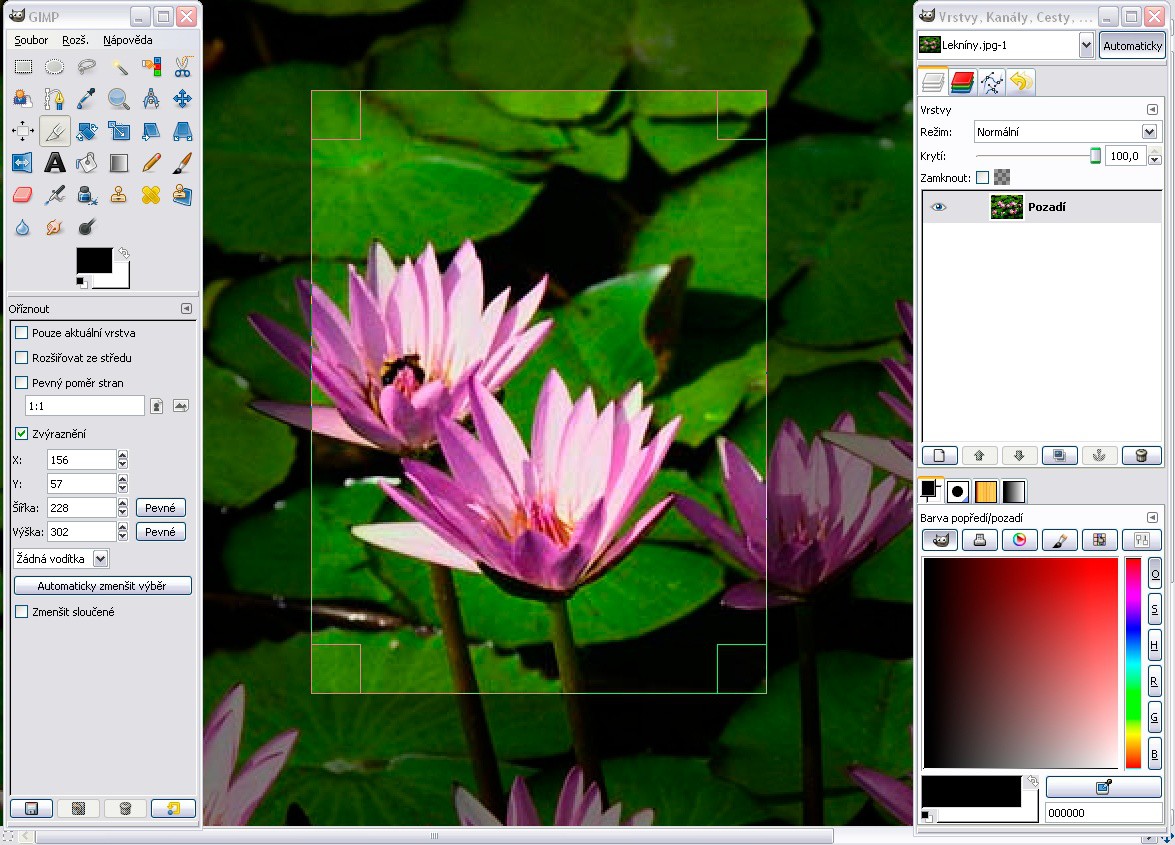
Professional bitmap image editor offering advanced photo manipulation and graphic design tools for Windows users.
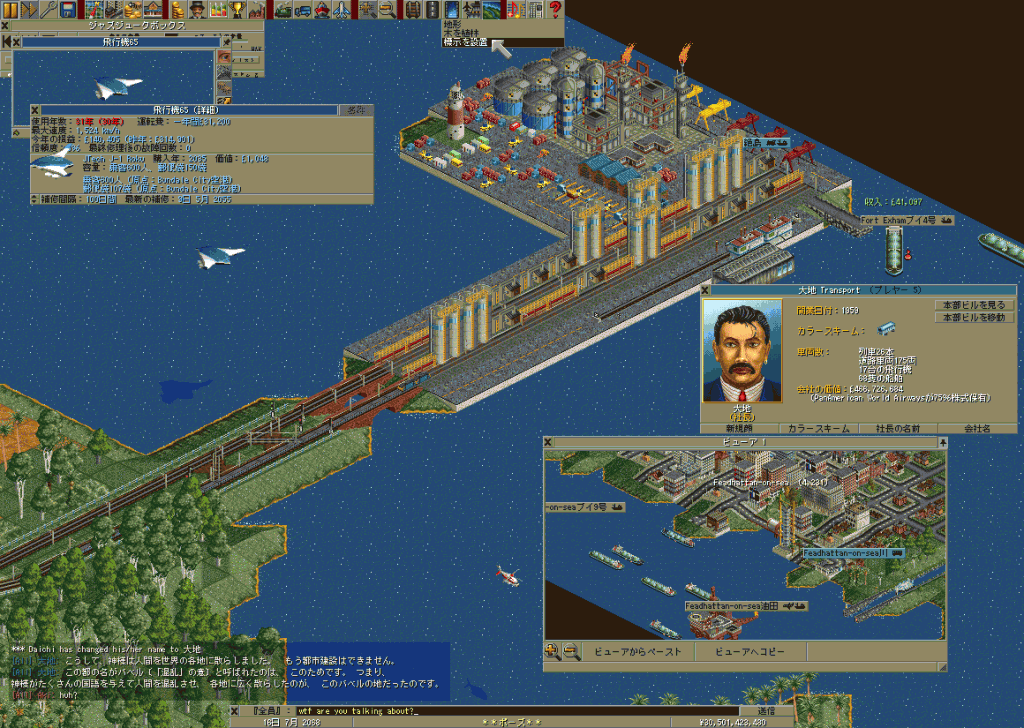
Open-source transport simulation game recreating Transport Tycoon Deluxe with modern multiplayer support and enhanced graphics.
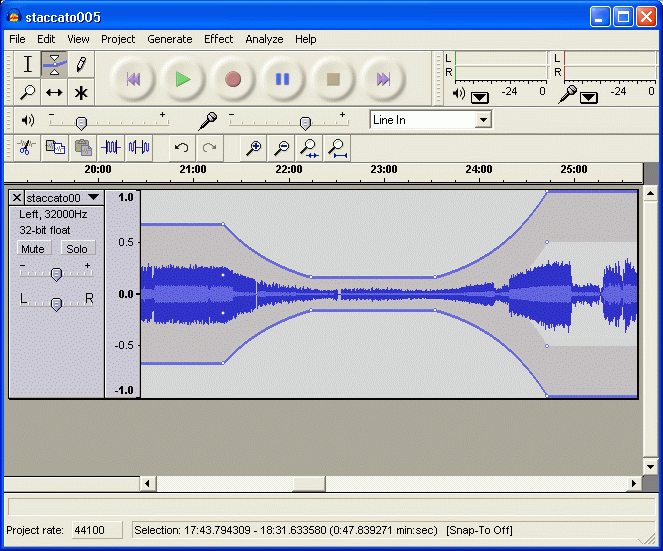
Cross-platform open-source audio editor and recorder for multi-track recording, editing and effects processing.
Cross-platform secure messaging client with end-to-end encryption for groups, channels, and file sharing.
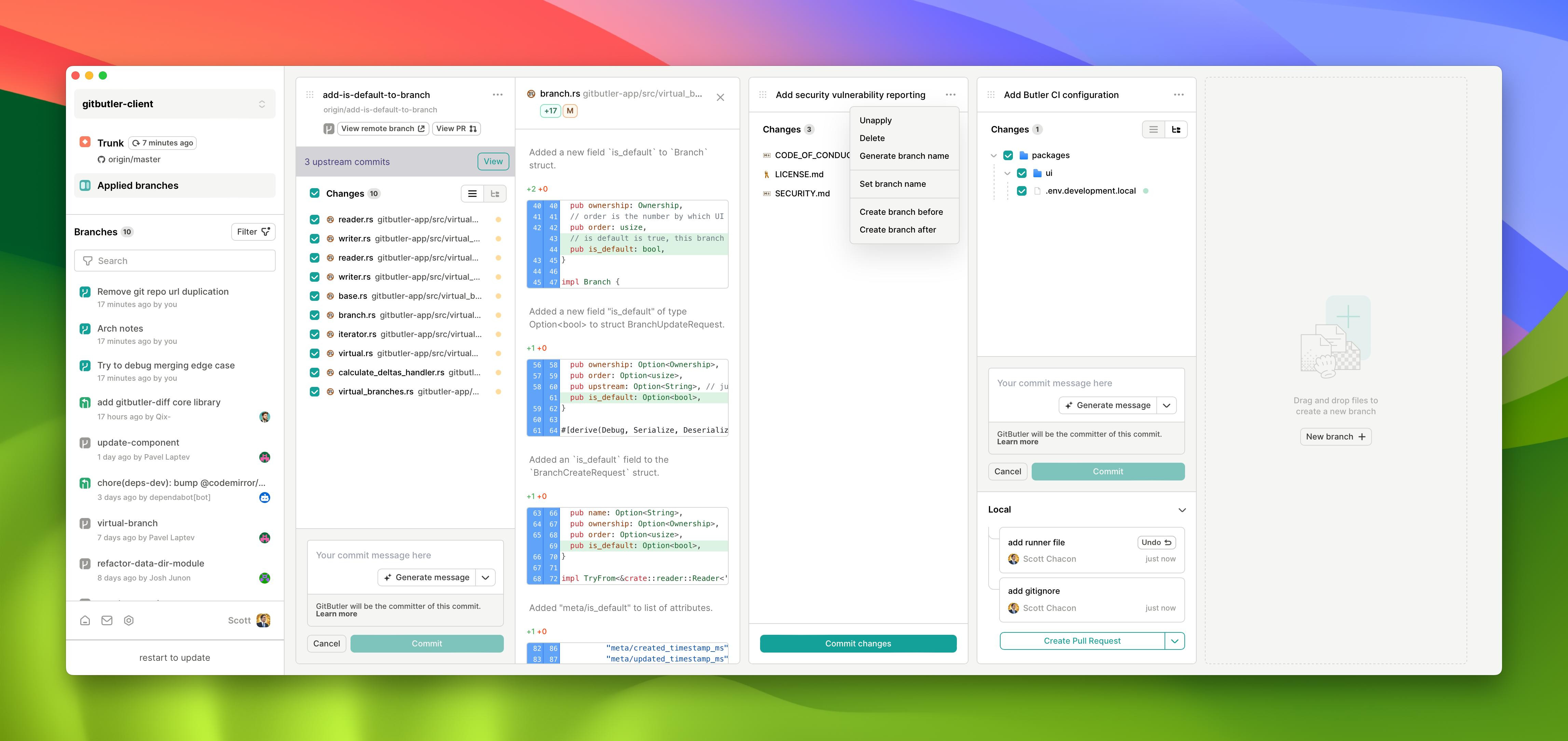
Visual Git client with virtual branch support for managing multiple concurrent development workflows on Windows systems.
Popular compression utility with exceptional compression ratios, multi-format support and self-extracting archive creation capabilities.
Cross-platform open-source media player supporting hundreds of audio and video formats with streaming capabilities.
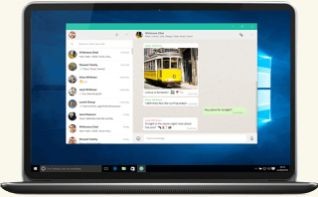
Official desktop messenger client that syncs with mobile WhatsApp via QR code pairing for complete cross-platform messaging.
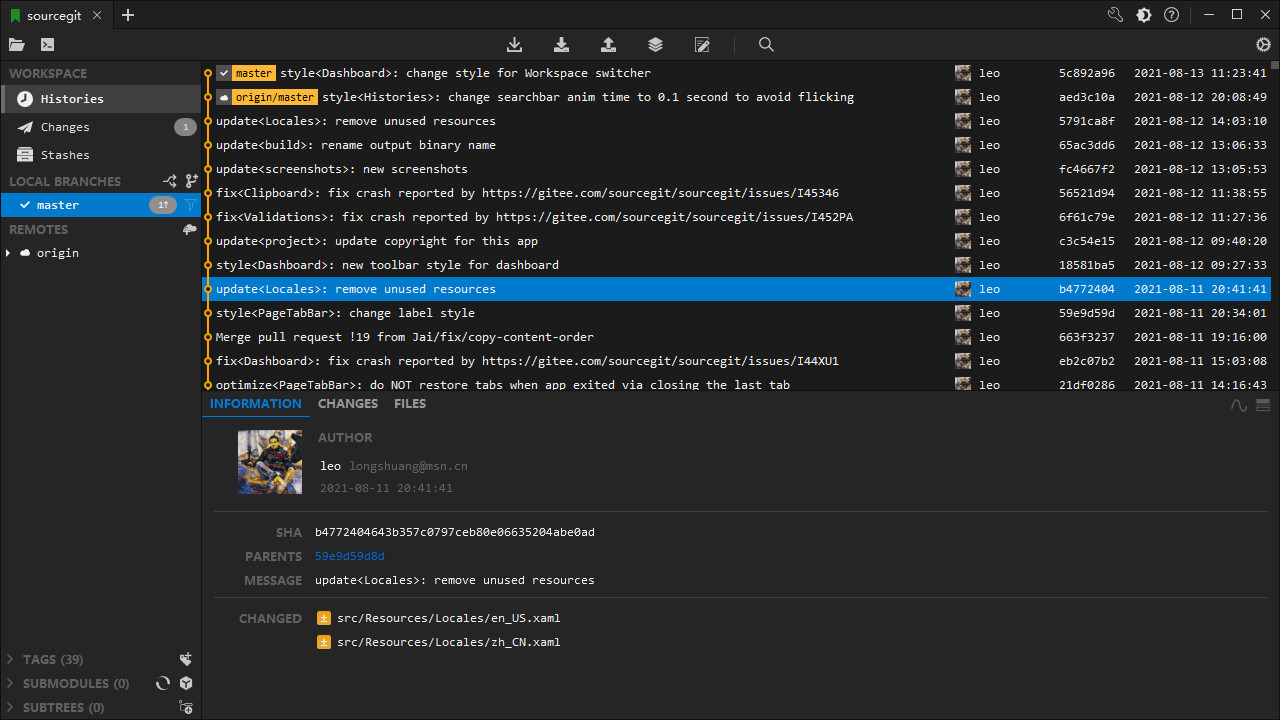
Cross-platform Git client featuring visual commit graphs, branch management, and integrated SSH support for repository workflows.
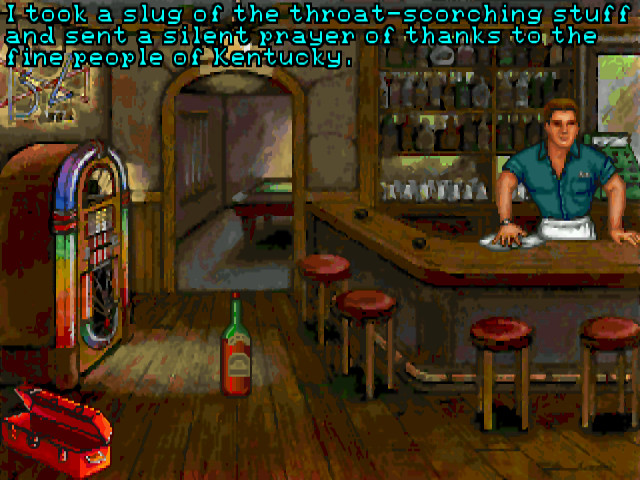
Classic adventure game emulator supporting 250+ titles from LucasArts, Sierra, Revolution Software and other studios.
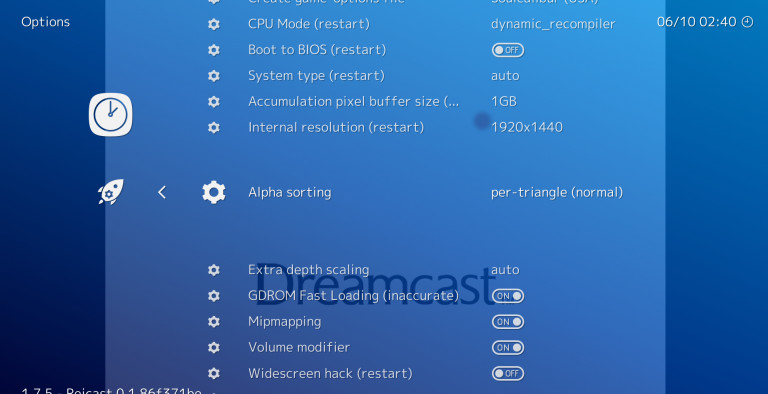
Multi-platform frontend for retro gaming emulators that runs classic console and arcade games through unified interface.
Most free software download sites have a business model that runs counter to your interests: they make money by inserting themselves between you and the developer, wrapping installers in their own setup wizards that push browser toolbars, search-engine changes and third-party applications. BigForkSteering operates differently. Every download link on this site opens the developer's own official page or their verified repository release page — nothing else. There is no hosted copy of the file, no affiliate redirect, no wrapper installer, and no financial relationship with the programs listed here.
The result is a catalogue where the trust signal is the source, not the site. When you click to download VLC Media Player, you land on videolan.org. When you download 7-Zip, you land on 7-zip.org. When you download Audacity, you land on audacityteam.org. Every listing has been verified to point at the right destination and to pass our five-point installation audit before it appears here. Read the full review methodology and rating criteria for the complete picture.
The catalogue spans six categories chosen to cover the software that most users need most of the time. Each category has its own dedicated section with platform filters (Windows, Mac, Linux) and licence filters (freeware, open source, freemium, trial) so you can narrow the list before browsing individual programs.
The multimedia section contains the tools for every type of digital media work. Video players that decode HEVC, AV1, VP9 and MKV containers without manual codec hunting — the kind of players that handle whatever file you throw at them. Audio editors from simple voice recorders up to full digital audio workstations with multi-track recording and VST plug-in support. Photo viewers with near-instant RAW decoding for Canon CR3, Nikon NEF and Sony ARW files. Image editors with professional layer support and 16-bit colour depth. Screen recording tools that stream to YouTube Live or Twitch without a monthly subscription. Video converters with GPU-accelerated H.265 encoding for compressing 4K footage. Codec packs and media information utilities for understanding exactly what is inside any file on your machine.
The internet & communication section covers the software through which you experience the web and stay connected: browsers built on Chromium and on independent rendering engines, email clients that handle IMAP, POP3 and Exchange without subscription fees, messaging applications for every major protocol, download managers that saturate your connection by splitting files across parallel threads, FTP and SFTP clients, VPN clients with no data caps, and RSS readers for keeping up with news without algorithmic interference. The category includes both well-known cross-platform tools and lesser-known utilities that outperform more prominent alternatives in specific areas.
The office & productivity section lists the software that runs a working day without a subscription invoice. Office suites with full compatibility with .docx, .xlsx and .pptx files. PDF readers with annotation, form fill, and digital signature support. Note-taking apps that sync across devices without a cloud lock-in. Calendar and task managers. Personal finance trackers. 2D drafting and 3D CAD tools for technical drawing. The licence column matters most in this category: some office tools that advertise themselves as free are only free for personal use — commercial licence terms are stated explicitly on every listing.
The system & security section covers the layer of tools that keeps a PC running cleanly: antivirus engines with real-time protection, anti-malware scanners for second-opinion checks, firewall managers, disk space analysers, startup managers, privacy cleaners, backup solutions, partition editors and hardware monitoring utilities. This is also the category most targeted by adware itself — tools that claim to clean your registry while installing their own toolbars are a documented, ongoing problem. The installation audit is consequently stricter here than anywhere else in the catalogue.
The developer tools section lists what programmers actually use: code editors and full IDEs with language server support, Git GUI clients for teams that prefer a visual interface, database management tools that handle PostgreSQL, MySQL, SQLite and MongoDB, REST API testing utilities, terminal emulators with split panes and rich customisation, containerisation tools, local web servers and browser developer extensions. Most professional developer software is open source or offers a capable free tier — this is the category where the paid/free gap has closed most completely, and the catalogue reflects that.
The games & entertainment section focuses on the infrastructure around games rather than the games themselves: console and arcade emulators, game launcher utilities, modding tools, e-book readers, media centre applications and hobby software that does not fit neatly elsewhere. Every listing here is genuinely free — nothing with aggressive in-app purchases or paywalled gameplay appears in the catalogue.
The Windows catalogue is the largest section, covering tools for Windows 10 and Windows 11 on both x64 and ARM64 hardware — the latter increasingly relevant as Snapdragon X Elite and Qualcomm-based Windows PCs become mainstream. Where a developer ships separate builds for x64 and ARM64, both are noted. Portable editions (those that run from a USB drive without installation) are flagged separately since they behave differently in managed environments.
The macOS section covers both Apple silicon and Intel Macs. The listing notes whether a tool ships as a universal binary (runs natively on both architectures), an ARM64-only build (best performance on M1–M4), or an Intel-only application that requires Rosetta 2 translation. For video and audio tools in particular, the difference between native and translated performance is significant enough that it belongs in the review rather than the footnotes.
The Linux section covers distribution-agnostic formats alongside distribution-specific packages. AppImage, Flatpak and Snap availability is noted per listing since these formats determine whether a program receives automatic updates and how it interacts with the rest of the system. Many of the most important free software tools were created on Linux first — VLC, GIMP, Audacity, Inkscape, Blender, LibreOffice and most developer toolchains have had Linux as a primary development target from day one, and it shows in the quality of the Linux builds.
A practical note for cross-platform users: filter by software that supports all three platforms simultaneously. Many open source tools — particularly in the multimedia and developer categories — maintain feature parity across Windows, Mac and Linux from a shared codebase. If you move between operating systems or collaborate with people on different platforms, choosing cross-platform tools reduces friction significantly. Use the platform filters alongside the category and licence filters to narrow the list to tools that work everywhere you need them.
Every program goes through five checkpoints before it appears in the catalogue. This applies to new listings and to existing listings when a major version update ships.
Does it work? The software is installed and used on a current test machine. The review describes the actual experience, not the developer's feature list. If a promised feature does not work as described, the review says so. If the interface is significantly harder to use than alternatives in the same category, that is noted as a real consideration rather than a neutral observation.
Is the installer clean? The installation process is monitored for any modification that the user did not explicitly request: browser extension installation, default search engine changes, startup entry creation, additional software installation, or network requests to third-party servers during setup. One undisclosed addition is enough to exclude the program regardless of the quality of the core application. This is the checkpoint that most download catalogues skip, and it is the one that matters most to your privacy and system stability.
Does the link go where it should? The download link is verified to reach the developer's own domain or their official repository release page. As developer websites change, links are re-verified on a rolling basis. If the official source has moved or the domain has lapsed, the listing is updated or removed rather than pointed at an archived copy.
Is the licence label accurate? The licence shown on the listing is the actual licence terms, not a simplification. This matters most for the freeware vs commercial use distinction — software that is free for home use but requires a paid licence for business use is labelled accordingly, because the difference has real legal and budgetary implications for professionals.
Is the version current? The listed version reflects the developer's current stable release. Programs that have not shipped a release addressing a known security issue in more than 24 months are flagged as potentially unmaintained. Flagged programs remain in the catalogue for historical reference but are not recommended for active use in security-sensitive roles. This is especially relevant in the system & security category.
The BigForkSteering catalogue uses four licence labels, each with a precise meaning.
Freeware means the software is free to download and use with no time limit and no mandatory payment. The source code remains proprietary — you cannot inspect or modify it — but you can use the compiled application for as long as you want. Freeware has been the standard model for utilities, media players and productivity tools since the early days of desktop computing, and the best freeware tools remain competitive with paid alternatives in almost every category.
Open source adds access to the source code under an OSI-approved licence. GPL v2, GPL v3, LGPL, MIT, Apache 2.0 and BSD are the licences you will see most often. Beyond the philosophical benefits, open source software has two practical advantages: independent security researchers can audit the code for vulnerabilities, and the project can survive a developer's departure through community forks. For password managers, encryption tools, antivirus engines and VPN clients — software where you are trusting a program with sensitive data — open source is a meaningful trust signal that closed-source freeware cannot match.
Freemium covers software with a free tier and paid upgrade options. The free tier must solve a real problem without constant capability caps or feature walls that make the free version impractical for everyday use. Tools where the "free" version is purely a marketing vehicle for the paid product — one where you cannot complete a basic task without hitting an upgrade prompt — are not listed.
Trial covers time-limited or feature-limited evaluation software. Trials appear in the catalogue when the evaluation period is long enough and unrestricted enough to be genuinely useful — typically 30 days or more of full functionality. In categories where no genuine free alternative exists for a specific workflow, a well-scoped trial is the most useful thing the catalogue can offer.
The catalogue is designed to help you choose the right tool, not just find a tool. Three sections of the site go beyond the basic category browser to support more specific decisions.
The comparisons section puts two programs directly against each other on the dimensions that actually matter for the choice: feature scope, platform support, licence terms, performance characteristics and learning curve. Comparisons are written for the user who has narrowed the field to two candidates and wants to understand the real-world trade-offs rather than a feature checklist. If you are deciding between a well-known option and a lesser-known but capable alternative, the comparison page is the right place to start.
The alternatives section is organised around the program you are replacing. You might be moving away from a paid tool whose subscription has become difficult to justify, a discontinued application no longer maintained for your OS, or a tool that has introduced adware or changed its licensing terms. The alternatives pages surface the best free and open source options that solve the same core problem, ranked and annotated so you can shortlist before installing.
The tag browser lets you filter the entire catalogue by specific technical characteristics that do not map neatly to categories: portable builds that run without installation, command-line interfaces, 64-bit-only executables, ARM64 native builds, dark mode support, offline functionality, no-account-required operation. Tags can be combined with category and platform filters to reach a very specific candidate list quickly — particularly useful when you have a known technical requirement, such as needing software that works without administrator privileges in a managed environment.
For step-by-step guidance on setting up and getting the most from specific tools, the guides and tutorials section complements the catalogue listings with practical walkthroughs written after first-hand use of each program reviewed.
Every listing carries an accurate licence label: freeware (free indefinitely, proprietary source), open source (free with publicly available source code), freemium (functional free tier alongside paid upgrades) or trial (evaluation period clearly stated). Commercial vs personal use restrictions are noted where they differ. We don't list software whose "free" label is misleading or where core functionality requires immediate payment.
Every download link goes to the developer's official page or verified repository — never to a third-party mirror that wraps the installer. We audit the installation process before listing: any program that installs browser extensions, changes search settings, or adds startup entries without a clear opt-in is excluded. Direct sourcing means you are downloading exactly what the developer shipped, with no intermediary modifications.
Freeware is free to use but source code stays proprietary — you can't inspect or modify it. Open source software is also free and additionally publishes its code under a recognised licence (GPL, MIT, Apache), enabling independent security audits and community contributions. For tools that handle sensitive data — antivirus, password managers, encryption utilities — open source provides an extra, independently verifiable trust layer.
All three major desktop platforms: Windows (10, 11, x64 and ARM64 builds noted separately), macOS (universal binary, Apple silicon and Intel builds distinguished), and Linux (AppImage, Flatpak, Snap and native packages noted per listing). Platform support is visible on every software page and all catalogue sections can be filtered by OS.
Five checkpoints: (1) functional test on a current machine — does it actually work as described; (2) installation audit — does the installer add anything undisclosed; (3) source verification — does the download link reach the official developer page; (4) licence accuracy check; (5) version currency — is it the current stable release. Potentially unmaintained programs (no security update in 24+ months) are flagged. See the full editorial methodology.
Yes. The alternatives section is organised around the program you are replacing — search by the tool you are moving away from to find curated free and open source options. The comparisons section puts two candidates side by side on features, licence and platform so you can decide before downloading either one.
Use the platform filters in any category section, or browse directly through Linux software downloads or Mac software downloads. Filters stack — you can combine platform with licence type (e.g. open source Linux multimedia tools) to reach a precise candidate list. The tag browser adds a further layer of filtering by technical characteristics like Flatpak availability or ARM64 native support.