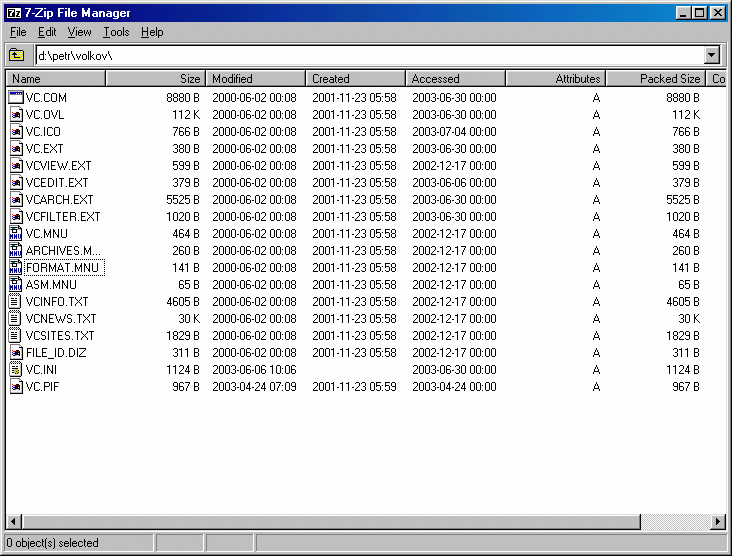
7-Zip 26.01
High-performance compression utility with proprietary 7z format that outcompresses RAR and ZIP archives significantly.
The most adware-prone category in desktop computing — and therefore the one where the source of your download matters most. Whether you need a free antivirus engine, a no-bundle system cleaner, a transparent password manager, or a disk-imaging backup tool, the BigForkSteering system & security catalogue lists only programs whose installers are clean and whose code we can verify. Every program is reviewed first-hand and links directly to the developer's official download page.
High-performance compression utility with proprietary 7z format that outcompresses RAR and ZIP archives significantly.
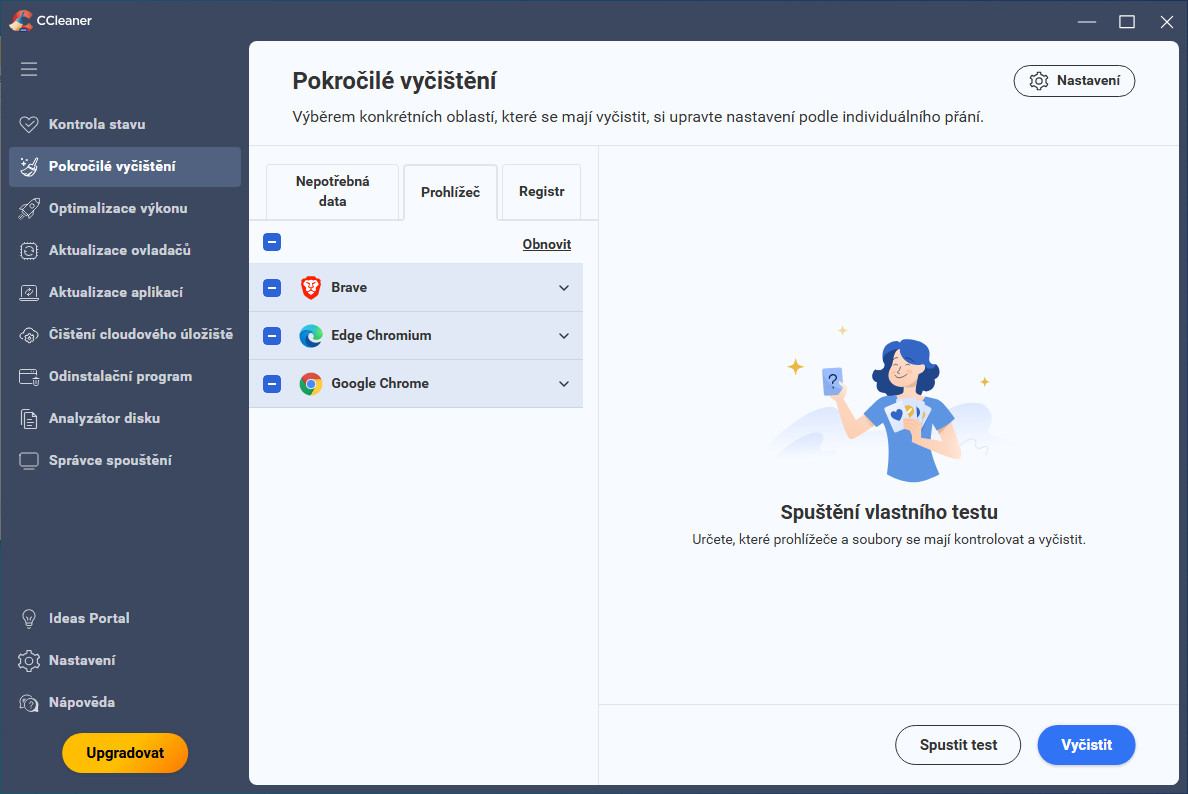
System optimization utility that cleans temporary files, registry entries, and uninstalls stubborn Windows programs efficiently.
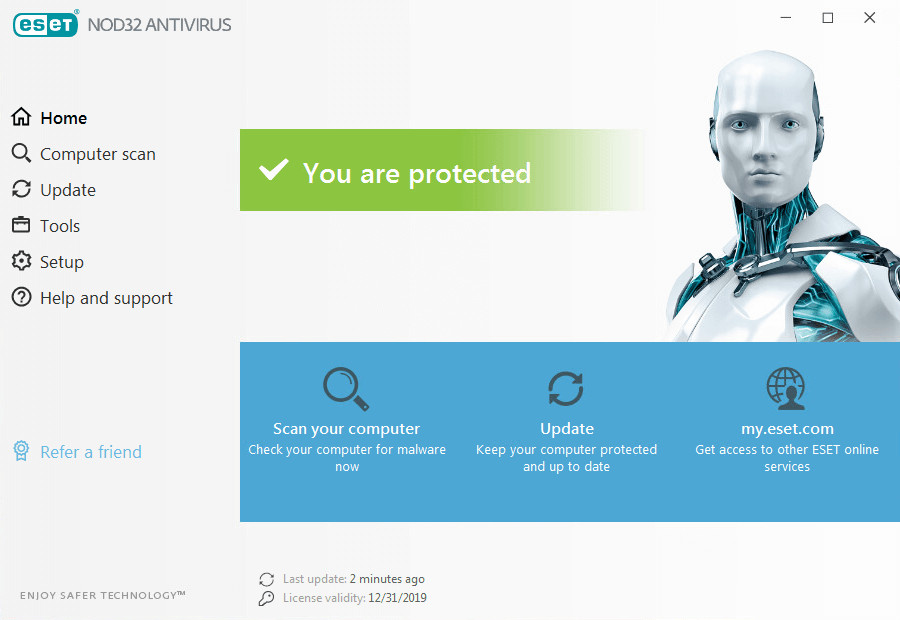
Professional antivirus software with real-time protection, cloud scanning technology and proactive threat detection capabilities.
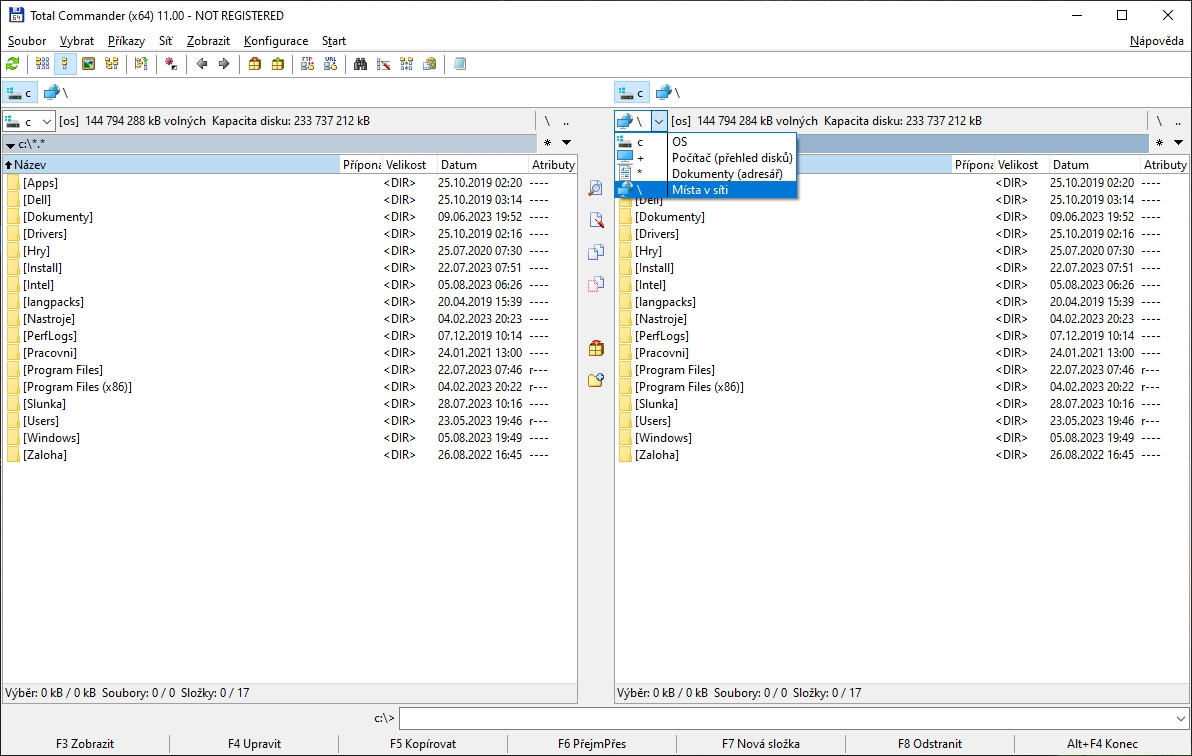
Dual-pane file manager with built-in FTP client, archive support, and advanced file operations for Windows systems.
Popular compression utility with exceptional compression ratios, multi-format support and self-extracting archive creation capabilities.
The system and security software category presents a specific trust problem that does not exist to the same degree in any other software category. Security tools are, by their nature, deeply privileged — an antivirus scanner needs kernel-level access to intercept file operations, a system cleaner needs permission to modify the registry and delete protected files, a disk utility needs direct hardware access to partition tables and volume structures. This privilege makes security software uniquely valuable to distribute with malicious intent: a tool that presents itself as free antivirus but installs adware or a browser toolbar exploits exactly the permissions users grant it believing it to be a trustworthy security product.
Several historically respected free security tools have changed their business model over time to include bundled PUPs (potentially unwanted programs), opt-out offers during installation, or telemetry that sends browsing data to advertising networks. The BigForkSteering review process for system and security software is stricter than for any other category. Every installer is run in a monitored environment and checked for undisclosed system modifications, network connections to third-party advertising or data-collection servers during installation, and changes to browser settings or startup entries beyond what the security tool itself requires. Any tool that fails this check is excluded from the catalogue regardless of its core security functionality. Read the full criteria in our editorial methodology.
Antivirus software provides real-time protection against malicious code — malware, ransomware, spyware, trojans, rootkits, worms and adware — by monitoring file operations, network connections and process behaviour as they occur. The distinction between antivirus and anti-malware has blurred: modern security tools handle all threat types under both labels. The more meaningful distinction for evaluating a free security product is the detection approach: signature-based, heuristic or behavioural.
Signature-based detection matches files against a database of known malware fingerprints. It is fast, accurate for known threats and produces very few false positives. Its limitation is that it cannot detect malware not yet in the database — newly released malware, custom malware targeting specific organisations, and polymorphic malware that modifies its binary signature on each infection. Heuristic analysis extends detection to unknown threats by examining code structure for patterns typical of malicious behaviour, without requiring an exact signature match. Behavioural monitoring goes further: rather than examining files statically, it observes what running processes actually do — rapid encryption of user files (ransomware behaviour), registry persistence writes, process injection, credential harvesting — and terminates threats that exceed behavioural thresholds regardless of whether their signature is known.
Cloud-based scanning offloads some detection work to remote servers that maintain up-to-the-minute threat intelligence and apply machine learning models trained on vastly larger malware datasets than any local database. The practical benefit is faster detection of emerging threats; the privacy consideration is that file hashes or metadata are transmitted to the vendor's infrastructure. Free antivirus tools that document their cloud telemetry in the privacy policy are listed as such in the BigForkSteering catalogue.
On-demand scanners run without installing a resident real-time protection engine — they scan files or directories when explicitly invoked, then exit. This makes them ideal as a second-opinion tool alongside a primary antivirus: different security engines use different signature databases and heuristic models, so a threat missed by one may be caught by another. On-demand free security tools are particularly useful for scanning downloaded files before running them, checking external drives brought from untrusted environments, or investigating a system suspected of infection without the performance overhead of a second real-time engine. Running two real-time engines simultaneously causes performance degradation and detection conflicts — on-demand tools avoid this problem by design.
A firewall controls which network connections are permitted and which are blocked, operating at the packet level (network firewall) or the application level (host-based firewall). Windows 11 ships with a built-in host-based firewall that blocks unsolicited inbound connections by default — for most home users, this provides adequate perimeter protection. Third-party free firewall software extends this with outbound connection control: notifications when an application attempts to establish a network connection for the first time, allowing you to permit or block it based on whether the application should legitimately be communicating with the network. This is particularly relevant for detecting applications that establish connections unexpectedly — a document viewer that attempts to contact an external server, or a utility that phones home to a telemetry endpoint.
Network monitoring tools provide visibility into active connections without blocking them: which processes have open sockets, which IP addresses they are communicating with, and on which ports. This information is valuable for identifying unusual network activity that a firewall alone would not surface. Free network security tools that combine connection monitoring with geolocation of destination IPs and reverse DNS lookup help identify unexpected communication patterns on a machine.
Password managers and encryption software share a common requirement: the strength of their security depends on the correctness of their cryptographic implementation, not just their description of it. This is the primary reason open source matters more in this sub-category than in almost any other: publicly auditable code allows independent security researchers to verify that AES-256 is implemented correctly, that the key derivation function uses an appropriate iteration count, that random number generation is properly seeded, and that memory is zeroed after use to prevent secret extraction from swap files. Free password managers with closed-source implementations cannot be externally verified against these criteria.
A password manager's vault encryption uses a symmetric cipher (AES-256-GCM or AES-256-CBC are the current standards) with a key derived from the master password using a deliberately slow key derivation function — PBKDF2 with a high iteration count, bcrypt, or Argon2id (the current recommended standard). The slow derivation means that brute-forcing the master password against a stolen encrypted vault requires enormous computational resources. Zero-knowledge architecture means the provider's servers store only the encrypted vault, never the master password or the derived key — even an internal actor with full database access cannot decrypt user vaults.
Full-disk encryption protects the entire contents of a storage drive, making the data unreadable without the correct passphrase or key even if the drive is physically removed from the computer. Free open source disk encryption tools compatible with the LUKS (Linux Unified Key Setup) standard on Linux, and cross-platform container-based encryption for Windows and macOS, are included in the BigForkSteering system security section. Encrypted container files provide portable protection for sensitive files that can be stored in cloud storage or on USB drives without risking exposure if the media is lost.
System cleaning software removes accumulated temporary files, browser cache, application logs, crash dumps, Windows update leftovers and other data that builds up during normal computer use. On machines where the system partition is near full — which meaningfully impacts SSD performance through reduced over-provisioning — targeted cleaning of these files produces measurable performance improvement. On machines with ample free space, the practical impact of cleaning on performance is modest, and the value is primarily storage recovery and privacy (clearing browser history, form autofill data, and locally cached credentials).
Startup managers list and control the applications that launch automatically at system boot, whether registered through the standard Windows Startup folder, the Run and RunOnce registry keys, Task Scheduler entries, or service registrations. Disabling startup entries for applications you rarely use reduces boot time and ongoing background RAM and CPU consumption. Free startup managers that display the startup impact rating — estimated effect of each entry on boot time — and show the source path and publisher of each entry help distinguish legitimate startup components from adware or malware persistence mechanisms.
Registry cleaning is one of the most marketed but least impactful operations in the system optimisation category. The Windows registry is a hierarchical database storing configuration for applications and the operating system. It accumulates orphaned entries over time — references to software that has been uninstalled, file association handlers for file types no longer present, and deprecated configuration keys. Modern Windows versions cache frequently accessed registry keys in RAM, meaning that the number of entries in the registry has negligible effect on runtime performance. Removing orphaned entries neither speeds up application launches nor reduces memory usage in any measurable way on typical hardware. Registry cleaners carry a genuine risk: incorrect removal of entries referenced by software that is still installed can break applications. The BigForkSteering catalogue notes this limitation in reviews of system optimisation tools so you can evaluate claims with appropriate scepticism.
Disk utility software manages the physical and logical structure of storage devices. Partition managers create, resize, delete, merge and format partitions — operations needed when setting up a new drive, preparing a disk for dual-boot, or reorganising storage across multiple volumes. The distinction between MBR (Master Boot Record) and GPT (GUID Partition Table) partition schemes is important: GPT is the modern standard required for drives larger than 2 TB and for UEFI boot, while MBR is limited to four primary partitions and 2 TB maximum. Free partition managers that support both schemes and can convert between them non-destructively are the most versatile options.
Disk space analysers provide a visual map of what is consuming storage — typically showing a treemap or sunburst chart where file size is proportional to display area. This makes it straightforward to identify the specific directories and files occupying the most space, which is far more useful than running a generic cleaner that removes temporary files without showing you where the actual space is going. Free disk space analysis tools that show per-file and per-directory sizes, highlight the largest files across the entire drive, and allow deletion directly from the interface cover the core use case.
Drive health monitoring reads SMART (Self-Monitoring, Analysis and Reporting Technology) data from hard drives and SSDs — a set of internal metrics the drive firmware maintains, including reallocated sector count (HDDs), wear levelling count (SSDs), power-on hours, temperature, uncorrectable error count and dozens of other attributes. Monitoring these values over time allows early warning of drive failure before data loss occurs. Free disk health tools that track SMART history, alert on degraded attributes, and provide a drive health score based on current values are a practical complement to a backup strategy.
Backup software is the single most important category in the entire system and security section. Every other security measure — antivirus, firewall, encryption — reduces the probability of data loss but cannot eliminate it. A backup that is current, tested and stored separately from the primary data source is the only guaranteed recovery path from ransomware encryption, hardware failure, accidental deletion, fire or theft. The BigForkSteering catalogue covers both full-featured backup applications and targeted file synchronisation tools.
The key technical distinctions in free backup software are between full, incremental and differential backup types. A full backup copies every selected file regardless of whether it has changed — complete but time and space intensive. An incremental backup copies only files changed since the last backup of any type — fastest and most space efficient, but recovery requires the last full backup plus every incremental since then. A differential backup copies all files changed since the last full backup — larger than incremental but recovery requires only the last full plus the most recent differential. Free backup tools that implement incremental or differential strategies with deduplication — storing only unique data blocks across versions — achieve the best combination of speed, space efficiency and recovery simplicity.
Data recovery software scans storage media for recoverable file data after accidental deletion, formatting or filesystem corruption. Files are not immediately destroyed when deleted in most filesystems — the space they occupied is marked as available for reuse, but the data remains until physically overwritten. Recovery is most successful when performed immediately after deletion on a read-only mount of the affected device, before new writes can overwrite the recoverable data. Free data recovery tools that perform raw sector scanning, recognise dozens of file signatures (JPEG, PNG, ZIP, DOCX, PDF and others), and can recover from formatted volumes or damaged filesystem tables cover the practical recovery scenarios most users encounter.
File archivers package multiple files and directories into a single archive, typically with compression to reduce total size. The main compression formats in current use are ZIP (universal compatibility, native support in Windows, macOS and Linux without additional software), 7z (best open-format compression ratio, using LZMA2 algorithm), and RAR (intermediate compression with integrated recovery records for archive repair). For maximum compatibility when distributing files to recipients with unknown software, ZIP remains the practical standard. For self-archival where storage efficiency is the priority, 7z with LZMA2 solid compression achieves the smallest archives for sets of similar files.
Archive encryption is a frequently overlooked security feature. ZIP archives support two encryption methods: the legacy ZipCrypto standard (weak, broken, should not be used for sensitive data) and AES-256 encryption in newer ZIP variants. 7z archives support AES-256 encryption including of filenames — without this, the names of encrypted files are visible in the archive index even if their contents are encrypted. Free archivers that implement AES-256 with filename encryption are the appropriate choice for archiving sensitive data. For long-term archival of legally or professionally significant documents, the ZIP64 and 7z formats avoid the 4 GB file-size limit of classic ZIP.
Secure deletion tools overwrite file data before removing the filesystem entry, preventing recovery by data recovery software. Standard deletion marks the space as available but leaves data intact — secure deletion ensures the physical sectors are overwritten. For HDDs, multiple-pass overwrite schemes are the standard approach. For SSDs, the ATA Secure Erase command or TRIM propagation provides more reliable results than overwrite-based methods due to the wear-levelling and garbage collection mechanisms that SSDs use internally. Privacy tools that combine secure deletion with metadata stripping — removing EXIF location data from photos, authorship metadata from documents and timestamps from files before sharing — round out this section of the catalogue.
The Windows system and security catalogue is the largest section, reflecting both Windows' dominant market share and its position as the primary target for malware. Windows 11 ships with a substantially hardened security baseline compared to earlier versions — Secure Boot enforcement, TPM 2.0 requirement, Virtualisation-Based Security (VBS) and Hypervisor-Protected Code Integrity (HVCI) are enabled by default on compatible hardware. These platform security features mean that the threat model for Windows 11 users with current updates differs meaningfully from Windows 7 or 8 era assessments. Free security tools for Windows are reviewed in the context of the current threat environment and the existing Windows security baseline, rather than treating every category as an unfilled gap.
The macOS security section covers tools relevant to Mac-specific threats: the increasing volume of macOS-targeted malware (adware, info stealers and browser hijackers targeting macOS have grown significantly since the Apple silicon transition), disk utility tools for APFS volume management, backup solutions integrated with Time Machine or providing alternatives to it, and encryption tools for portable media. The macOS Gatekeeper and notarisation system reduces the attack surface from malicious applications distributed outside the App Store, but does not eliminate it — legitimate security tools for macOS help close the remaining gaps.
The Linux security section covers tools most relevant to Linux users: file integrity checkers, rootkit detectors, intrusion detection systems, full-disk encryption management, firewall configuration tools, and system monitoring utilities. Linux's security model — file permission separation, process isolation, kernel security modules — provides strong baseline security, but Linux machines are not immune to compromise, particularly those running network-facing services. Free security and system tools for Linux distributed as Flatpak, AppImage or through standard package repositories are noted in listings with their distribution format.
For comparisons between specific security tools in the same sub-category, visit the comparisons section. For finding free alternatives to paid security software — particularly for users whose renewal fees have become difficult to justify — the alternatives section is organised by the tool you are replacing.
The built-in Windows real-time security tool tests competitively in independent lab evaluations (AV-TEST, AV-Comparatives) and provides adequate protection for most home users who keep Windows updated. A third-party free antivirus adds value as a second-opinion on-demand scanner or for more aggressive PUP detection. Never run two real-time engines simultaneously — performance degrades and detection conflicts occur. Browse the Windows security section for reviewed options.
Signature-based detection matches files against a database of known malware fingerprints — fast and accurate for known threats, but cannot catch zero-day or polymorphic malware. Behavioural detection monitors what programs actually do at runtime: rapid file encryption, process injection, persistence registry writes, or connections to command-and-control servers. Modern free antivirus tools combine both approaches plus cloud-based heuristics trained on continuously updated threat intelligence.
Your vault is encrypted with AES-256 using a key derived from your master password via a slow key derivation function (Argon2id, bcrypt or PBKDF2) that makes brute-forcing a stolen vault computationally prohibitive. In a zero-knowledge architecture, only the encrypted vault is synced to servers — the provider never holds your master password or decryption key. Open source password managers allow independent auditors to verify the implementation matches the description. Browse the security section for audited options.
3 copies of your data, on 2 different storage media types, with 1 copy stored off-site. This guards against simultaneous media failure, media-specific failure modes (hardware crash vs cloud outage) and site-level events (fire, theft). Free backup software that supports scheduled incremental backups, encrypted archives and multiple destinations — local drive, network share, cloud storage — covers the practical requirements. Incremental backups copy only changed data, keeping backup storage efficient over time.
For compression ratio: 7z with LZMA2 achieves the best results for most file types — typically 30–50% smaller than ZIP with comparable settings. ZIP is most compatible — natively supported on all platforms without extra software, making it the right choice for files shared with others. RAR sits between the two and adds built-in recovery records for repairing damaged archives. For encryption: use 7z or AES-ZIP (not the legacy ZipCrypto) to ensure AES-256 protection. 7z also encrypts filenames, preventing archive listings from revealing what was archived.
Deleting files or reformatting leaves data recoverable. For HDDs: use a free disk utility that performs multi-pass overwrite using a recognised standard (DoD 5220.22-M or similar), overwriting all sectors with random data. For SSDs: overwrite methods are unreliable due to wear levelling — use the ATA Secure Erase command or NVMe Format with cryptographic erase, which the drive firmware executes internally, resetting all storage cells. Free disk utility tools supporting both methods are listed in the system security section.
Targeted cleaning produces real gains in two scenarios: freeing space on near-full drives (SSD performance drops significantly when near capacity) and disabling startup entries that consume RAM and CPU continuously. Registry cleaning, by contrast, has negligible measurable impact on modern Windows — cached reads mean entry count barely affects performance. Be sceptical of tools using inflated "threat counts" to alarm users into upgrading. Always audit what a cleaner proposes to remove before accepting changes, and download only from the developer's official page — the system cleaner category is especially prone to bundled adware.