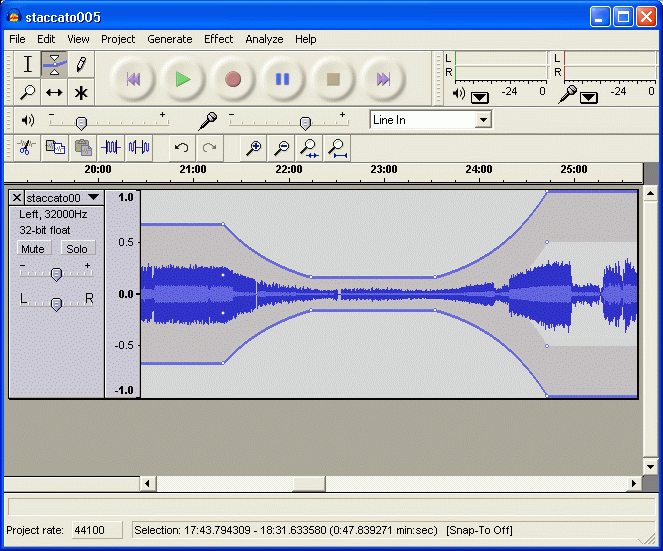
Audacity
Cross-platform open-source audio editor and recorder for multi-track recording, editing and effects processing.
Free Mac software, tested by hand on Apple Silicon and Intel machines and scored against a five-point installation audit. The catalogue covers native ARM64 builds, Universal Binaries, and Rosetta 2 fallbacks across security, multimedia, productivity, browsers, developer tooling, and utilities. Each listing flags Gatekeeper signing, notarisation status, and any subscription gates I encountered during testing.
Cross-platform open-source audio editor and recorder for multi-track recording, editing and effects processing.
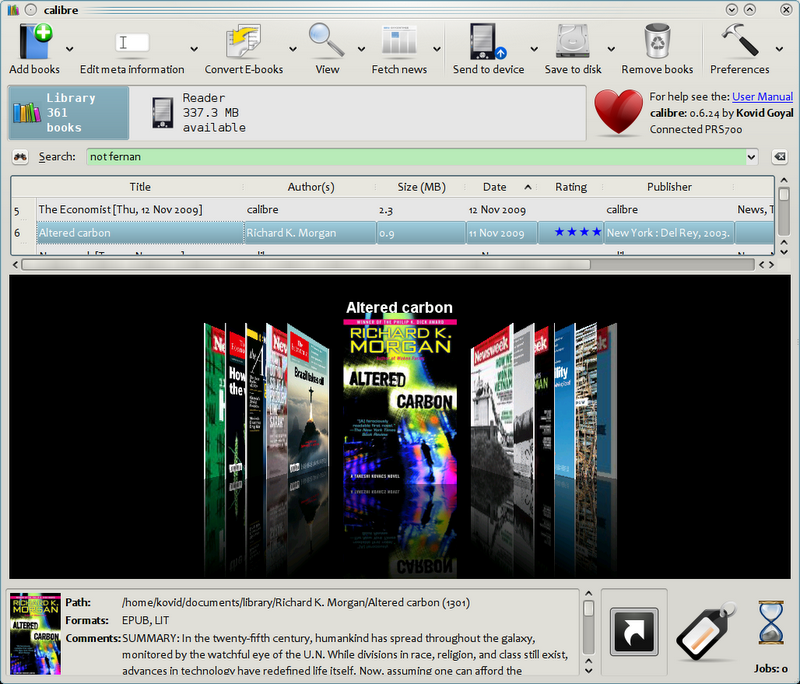
thorough ebook management suite that converts between 20+ formats including EPUB, MOBI, PDF and maintains metadata libraries.
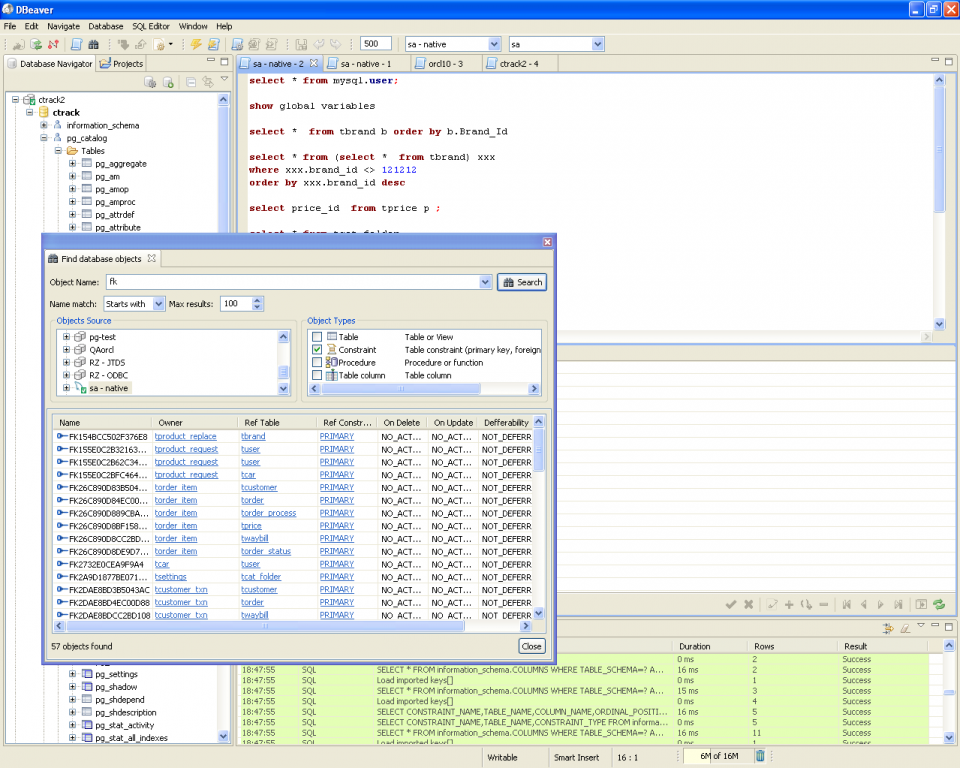
Universal database management tool supporting MySQL, PostgreSQL, Oracle, SQLite and dozens of other database systems.
Voice and text communication platform designed specifically for gamers during online multiplayer sessions.
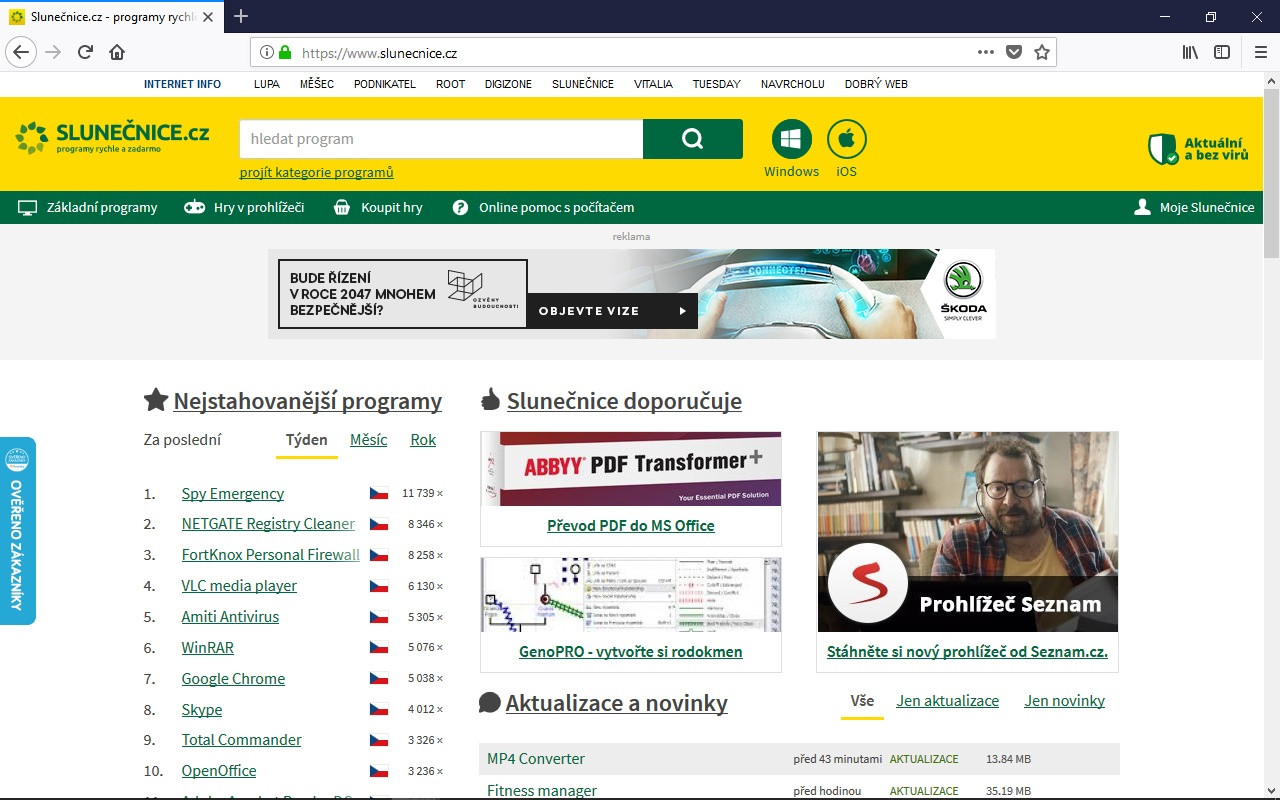
Mozilla's Firefox 135.0.1 download delivers enhanced privacy protection with improved tracking blocking and simplified tab management.
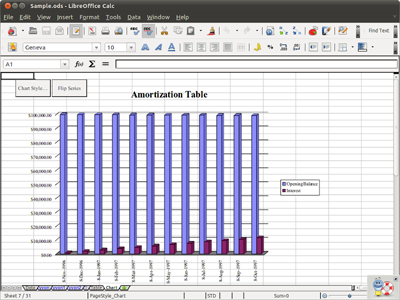
Complete open-source office suite with Writer, Calc, Impress, and Draw for document editing and presentations.
Open-source email client supporting IMAP, SMTP, POP3 protocols with tabbed interface and advanced filtering capabilities.
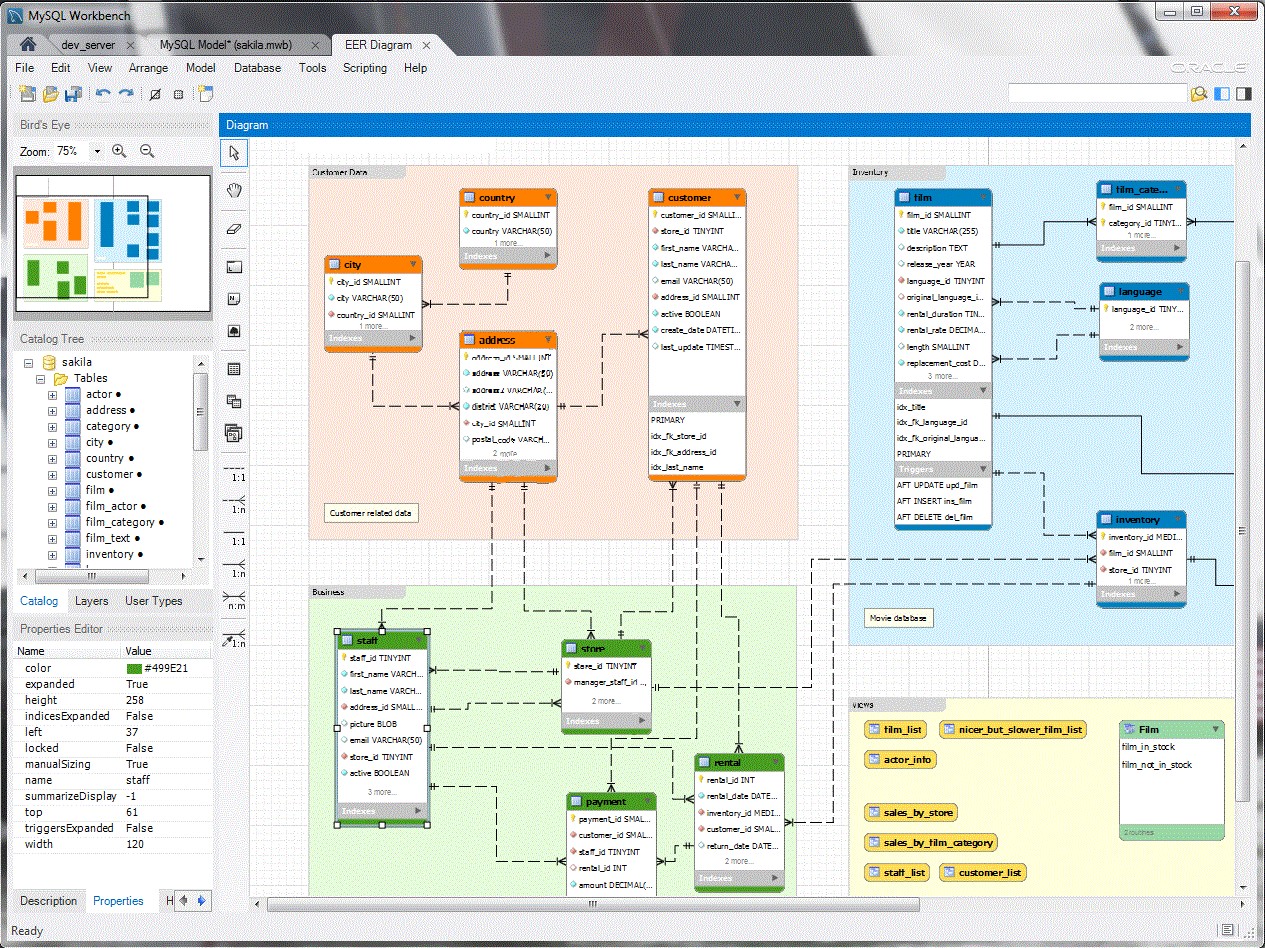
Visual database design tool for creating, modeling, and administering MySQL databases with ER diagram generation capabilities.
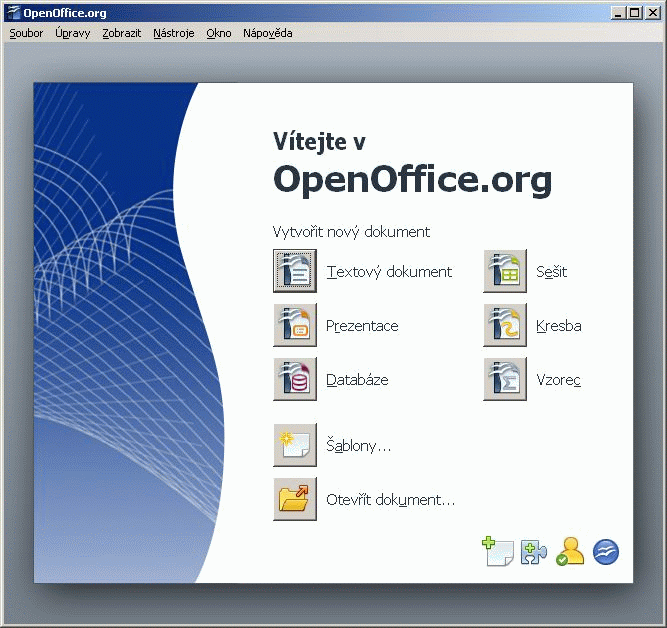
Complete office suite featuring word processor, spreadsheet calculator, presentation maker and database tools for document creation.

Open-source transport simulation game recreating Transport Tycoon Deluxe with modern multiplayer support and enhanced graphics.
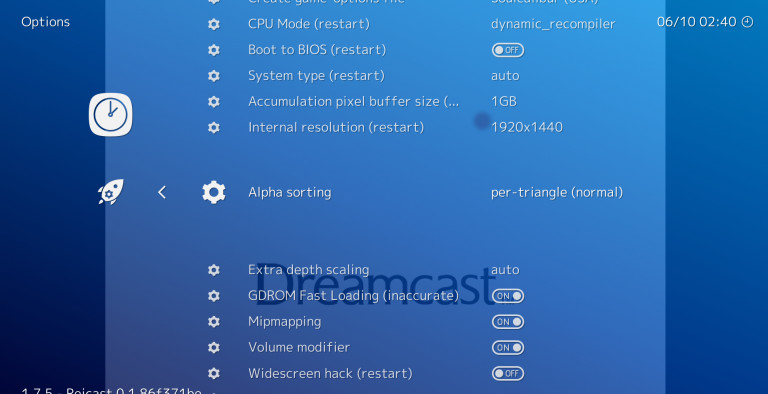
Multi-platform frontend for retro gaming emulators that runs classic console and arcade games through unified interface.

Classic adventure game emulator supporting 250+ titles from LucasArts, Sierra, Revolution Software and other studios.
Cross-platform open-source media player supporting hundreds of audio and video formats with streaming capabilities.
Cross-platform secure messaging client with end-to-end encryption for groups, channels, and file sharing.
BigForkSteering tracks free Mac software across the same six supercategories we maintain for Windows, but the Mac shelf is smaller and the editorial bar is higher. macOS is our second-largest platform behind Windows by listing count, and roughly 40% of the apps we list are cross-platform builds (Firefox, VLC, LibreOffice, Bitwarden). The other 60% are Mac-first or Mac-only tools that have no real Windows equivalent, and those are the ones I spend most of my testing time on.
Scope-wise, I exclude anything that requires a paid Apple Developer subscription to install, anything pulled from the Mac App Store that has a hidden subscription gate after launch, and anything that hasn't shipped an Apple Silicon build by mid-2024. The catalogue is split by purpose, so most readers land here from a category page like multimedia, office productivity, or system security rather than from search.
Mac coverage is strongest in developer toolchains, multimedia playback, and privacy utilities, and weakest in games, where I rely on what's available through Steam rather than direct downloads. The games and entertainment shelf is intentionally short because most Mac gaming sits outside our remit.
The single biggest filter I apply to free Mac software in 2024-2025 is whether it ships a native Apple Silicon build. M1, M2, M3, and M4 chips use ARM64 instructions, and any app compiled only for Intel x86_64 has to run through Rosetta 2 translation. Rosetta works, but it costs roughly 20-30% in CPU-bound workloads and considerably more in GPU and multi-core scenarios. DaVinci Resolve felt sluggish under Rosetta on an M1 Pro and only became usable after Blackmagic shipped the native build.
I look for the Universal Binary marker on the developer's download page. That means one installer contains both architectures and macOS picks the right one automatically. If a project only ships an "Intel" build and a separate "Apple Silicon" build that's still in beta, I note it in the listing. VS Code, IINA, Firefox, Brave, OBS Studio, Audacity, and Homebrew all run native on Apple Silicon. A few open source tools I tested in 2024 still hadn't crossed over, and I downgraded their scores accordingly.
Rosetta 2 is technically optional in newer macOS releases and Apple has signalled it won't last forever. Recommending an x86_64-only app today means recommending something with a shelf life. Where a native build doesn't yet exist but the project is actively porting, I say so plainly in the review and check the GitHub issue tracker before each refresh.
Apple's Gatekeeper checks every downloaded app against a notarisation ticket issued by Apple's servers. Free Mac software distributed outside the App Store still has to be notarised if the developer wants users to open it without a right-click workaround. I treat unsigned, unnotarised binaries as a yellow flag and explain in the review what trade-off the reader is accepting. Most of the privacy tools I trust (KnockKnock, BlockBlock, Lulu firewall, all from Objective-See) are properly signed even though they sit deeper in the system than most apps.
App Store apps run sandboxed and can't reach beyond their container without entitlements. Direct downloads from a developer site, or installs via Homebrew, are unsandboxed and have full user-level access. That's a feature, not a bug, for tools like Rectangle (window management) or Stats (menu bar metrics), which need accessibility permissions to function. The review notes which permissions each app requests on first launch.
Homebrew is how I install perhaps a third of the Mac apps I test, and it's how many developer-oriented free Mac software titles distribute. Casks (GUI apps) and formulae (CLI tools) both go through the same trust chain, and removal is genuinely clean, which is the part Windows users tend to envy.
Our editorial methodology uses a five-point installation audit on every download. On Mac, the threat profile is different from Windows. Bundled adware and PUPs are rare. The realistic risks are subscription nags inside apps that pretended to be free, App Store apps that activate an in-app purchase prompt within the first session, and developer-signed apps that quietly enable login items at startup. I score each of those and the results feed into the how we rate rubric.
Annoyware is the dominant complaint readers send me about Mac downloads. A paid-app-pretending-to-be-free is the second. Genuine malware is a distant third on macOS, and the few cases I've documented in 2023-2024 came through pirated software channels, not from any listing I'd recommend.
Three areas of free Mac software diverge meaningfully from Linux and Windows. First, security: the Objective-See suite (KnockKnock for persistence inspection, BlockBlock for new persistence alerts, Lulu for outbound firewall) replaces the heavyweight AV stack most Windows users expect. I pair that with Bitwarden or KeePassXC for credentials. Second, multimedia: IINA is the default video player I recommend over VLC on Mac because it respects native macOS keyboard shortcuts and Touch Bar controls; mpv sits behind it as the engine. Third, developer tooling: VS Code, iTerm2, Sequel Ace, Postman, and the JetBrains community editions all ship native ARM64.
For office work, LibreOffice and OnlyOffice are the two free suites I keep installed; Obsidian and Joplin cover note-taking; MacDown handles Markdown preview. For utilities, Rectangle, Stats, AppCleaner, OnyX, and The Unarchiver are the five I install on every fresh macOS setup, and all are tracked through our browsers and communication and utilities shelves.
The majority do, but not all. Each listing flags whether the current build is Universal Binary, Apple Silicon native only, or Intel x86_64 requiring Rosetta 2. I downgrade scores on Intel-only apps because Rosetta is a transitional layer, not a long-term solution.
In practice, yes, mainly because Gatekeeper notarisation and sandboxing raise the cost of distributing actual malware. The realistic risks on Mac are subscription nags, hidden in-app purchases, and login-item persistence rather than adware bundles. I document those in each review.
App Store builds are sandboxed and easier to remove, but often lag the direct-download version in features. For utilities that need system-level permissions (Lulu, Rectangle, Stats), direct downloads or Homebrew casks are usually the only option.
IINA is what I install first. It uses mpv as the underlying engine but adds proper macOS keyboard shortcuts, Picture-in-Picture, and Touch Bar controls. VLC is still a solid second choice for obscure codec support.
I don't run traditional AV on my Mac test machines. The Objective-See tools (KnockKnock, BlockBlock, Lulu firewall) cover the actual threat surface (persistence, outbound traffic, new launch agents) without the resource cost of full AV suites designed for Windows.
Each Mac listing is re-tested at least every six months. Active projects with frequent releases (Firefox, VS Code, Homebrew formulae) get checked more often. I prioritise re-testing when an app ships its first Apple Silicon native build or drops Intel support.
Homebrew itself is trustworthy and casks pull directly from the original developer's distribution URL, so you're getting the same binary you would from the official site. The trust question is about the upstream developer, not Homebrew, and that's what our review process tries to answer.