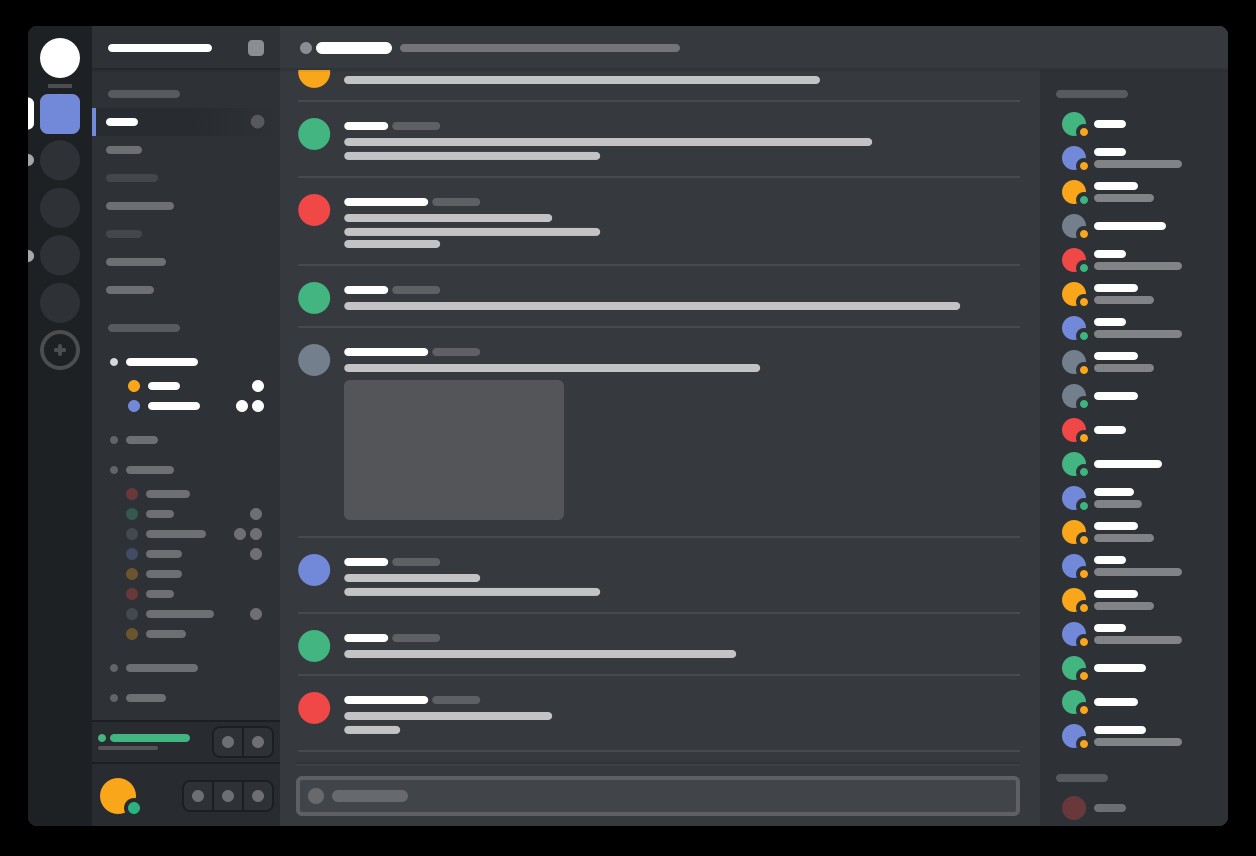
Discord vs Telegram Desktop: At a Glance
Discord is the better choice for gaming communities and real-time voice collaboration because it delivers 40-80ms voice latency with dedicated WebRTC infrastructure; Telegram Desktop suits privacy-focused users and large file sharing workflows because it offers 2GB file transfers with end-to-end encryption in Secret Chats. Both applications serve the Internet & Communication space but target fundamentally different use cases — Discord excels at persistent community building through organized servers and channels, while Telegram Desktop focuses on secure messaging with cloud synchronization across devices. The discord vs telegram desktop split comes down to whether you need gaming-optimized voice chat with screen sharing capabilities or secure messaging with massive file handling and privacy controls.
Where Discord Wins
Voice Communication Excellence
Discord's VoIP implementation outperforms Telegram Desktop's voice calling through dedicated gaming infrastructure and automatic gain control. Voice channels support push-to-talk activation with customizable keybinds, while background noise suppression uses the built-in Krisp technology. The Opus codec delivers 64kbps audio quality by default, scaling dynamically based on bandwidth availability. Screen sharing reaches 1080p 60fps for Nitro subscribers, compared to Telegram's basic screen sharing during video calls. Voice latency consistently measures 40-80ms to Discord's servers versus Telegram's P2P routing that can introduce variable delays when direct connections fail.
Community Organization Features
Server structure with multiple channels beats Telegram's group-based organization for persistent communities. Text channels support markdown formatting and message threading, while voice channels allow simultaneous audio rooms for different activities. Stage channels provide one-to-many broadcasting similar to Clubhouse functionality. Bot integration through OAuth2 enables custom moderation tools, music playback, and automated commands that extend functionality beyond basic messaging. Rich presence integration automatically displays current games, Spotify tracks, or custom statuses — essential for gaming communities coordinating multiplayer sessions.
Where Telegram Desktop Wins
File Sharing and Storage Capacity
Telegram Desktop handles files up to 2GB per transfer, dramatically exceeding Discord's 8MB limit for free accounts. The cloud-synchronized storage acts as personal file hosting — upload video projects, software packages, or design assets without compression artifacts. Multiple connection downloads accelerate large file transfers to your bandwidth limit. The built-in media viewer opens photos, videos, and documents without external applications, while search functionality spans entire chat history with filters for media type and sender. This makes Telegram Desktop superior for creative workflows requiring frequent asset sharing.
Privacy and Security Implementation
End-to-end encryption in Secret Chats provides forward secrecy that Discord lacks entirely — each message uses unique keys that expire after reading. The MTProto 2.0 protocol implements 256-bit AES encryption with 2048-bit RSA keys for client-server communication. Open-source transparency through MIT licensing allows security audits, while Discord's proprietary codebase prevents verification. Two-factor authentication adds password protection beyond phone verification. Self-destructing messages automatically delete from both devices, and proxy support including SOCKS5 and DNS-over-HTTPS helps circumvent network restrictions.
Head-to-Head: Feature Comparison
| Aspect | Discord | Telegram Desktop |
|---|---|---|
| License | Free proprietary | MIT open source |
| File Upload Limit | 8MB (free), 100MB (Nitro) | 2GB per file |
| Voice Latency | 40-80ms gaming-optimized | Variable P2P or relay |
| End-to-End Encryption | Voice calls only | Secret Chats with forward secrecy |
| Group Size Limit | Unlimited server members | 200,000 per group |
| Screen Sharing | 1080p 60fps (Nitro) | Basic during video calls |
| RAM Usage | 150-300MB active | 120-200MB typical |
| Cross-Platform Sync | Message history only | Full cloud synchronization |
Discord's gaming-focused infrastructure shows through voice latency optimization, while Telegram Desktop's 2GB file limits and encryption implementation target privacy-conscious users. The RAM footprint difference becomes significant during extended voice sessions where Discord's memory leaks can consume 300MB+ versus Telegram's stable 200MB ceiling.
Verdict by Use Case
- Gaming communities coordinating multiplayer sessions → choose Discord because voice channels with 40-80ms latency and rich presence integration simplify team coordination better than Telegram's basic group calls
- Creative teams sharing large video files and design assets → choose Telegram Desktop because 2GB file transfers eliminate compression artifacts and cloud storage provides permanent asset hosting
- Privacy-focused personal messaging with encryption requirements → choose Telegram Desktop because Secret Chats offer end-to-end encryption with forward secrecy that Discord's text channels completely lack
- Long-term community building with persistent voice and text channels → choose Discord because server organization with multiple channels and bot integration supports complex community structures better than Telegram's group-based approach
Common Questions
Can Discord handle large file transfers like video projects? A: Discord limits file uploads to 8MB for free accounts and 100MB for Nitro subscribers, making it unsuitable for large video files. Telegram Desktop's 2GB limit accommodates most video projects, software packages, and design assets without requiring external file hosting services or compression.
Does Telegram Desktop support voice channels like Discord? A: Telegram Desktop provides voice and video calling but lacks Discord's persistent voice channels where users can drop in and out freely. Telegram's calls are traditional one-to-one or group calls that require explicit initiation, while Discord's voice channels remain open for spontaneous conversation similar to IRC but with modern audio quality.
Which application offers better privacy for sensitive business communications? A: Telegram Desktop provides superior privacy through Secret Chats with end-to-end encryption and message self-destruction, plus open source transparency for security verification. Discord's proprietary platform lacks end-to-end encryption for text messages and allows company access to conversation contents for moderation purposes.